動態文件浮水印
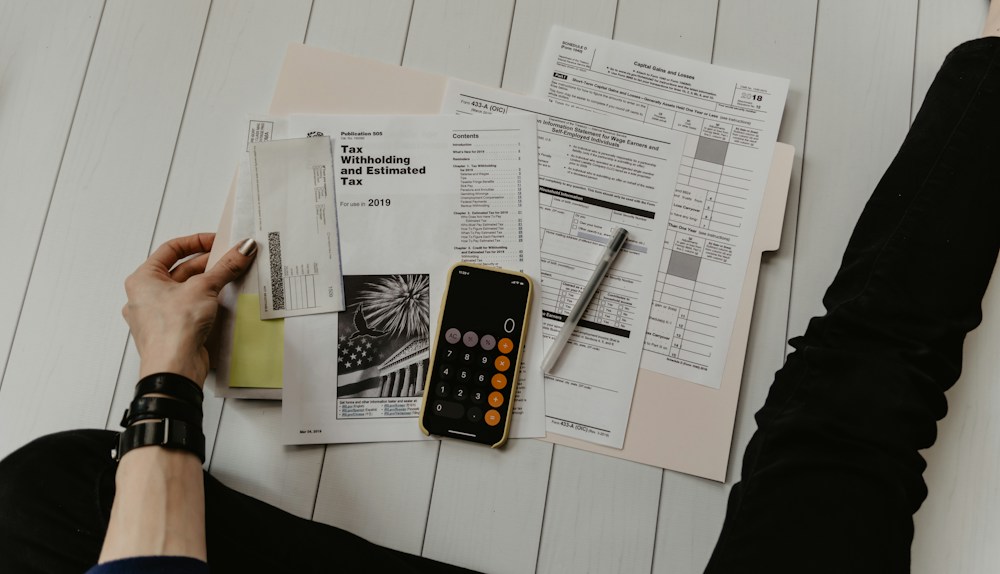
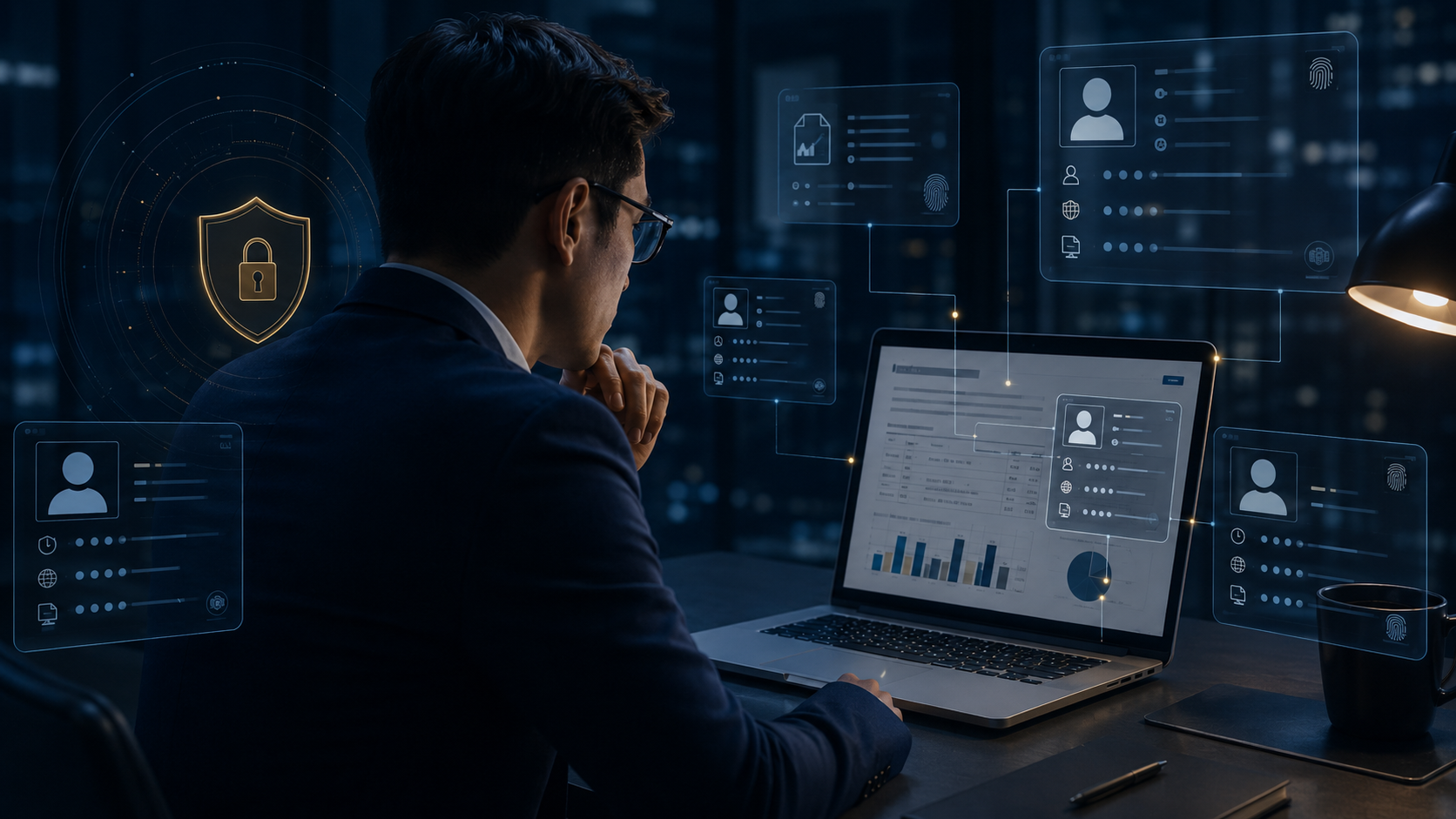
文件開啟、預覽、列印與線上閱讀時,自動加入使用者、時間、IP、公司、裝置與檔名等識別資訊,讓每一次閱讀都能追溯並降低截圖、拍照與紙本外流風險。
DVC 將安全邊界從網路與裝置延伸到文件本身。
點選每個核心,切換下方安全場景。
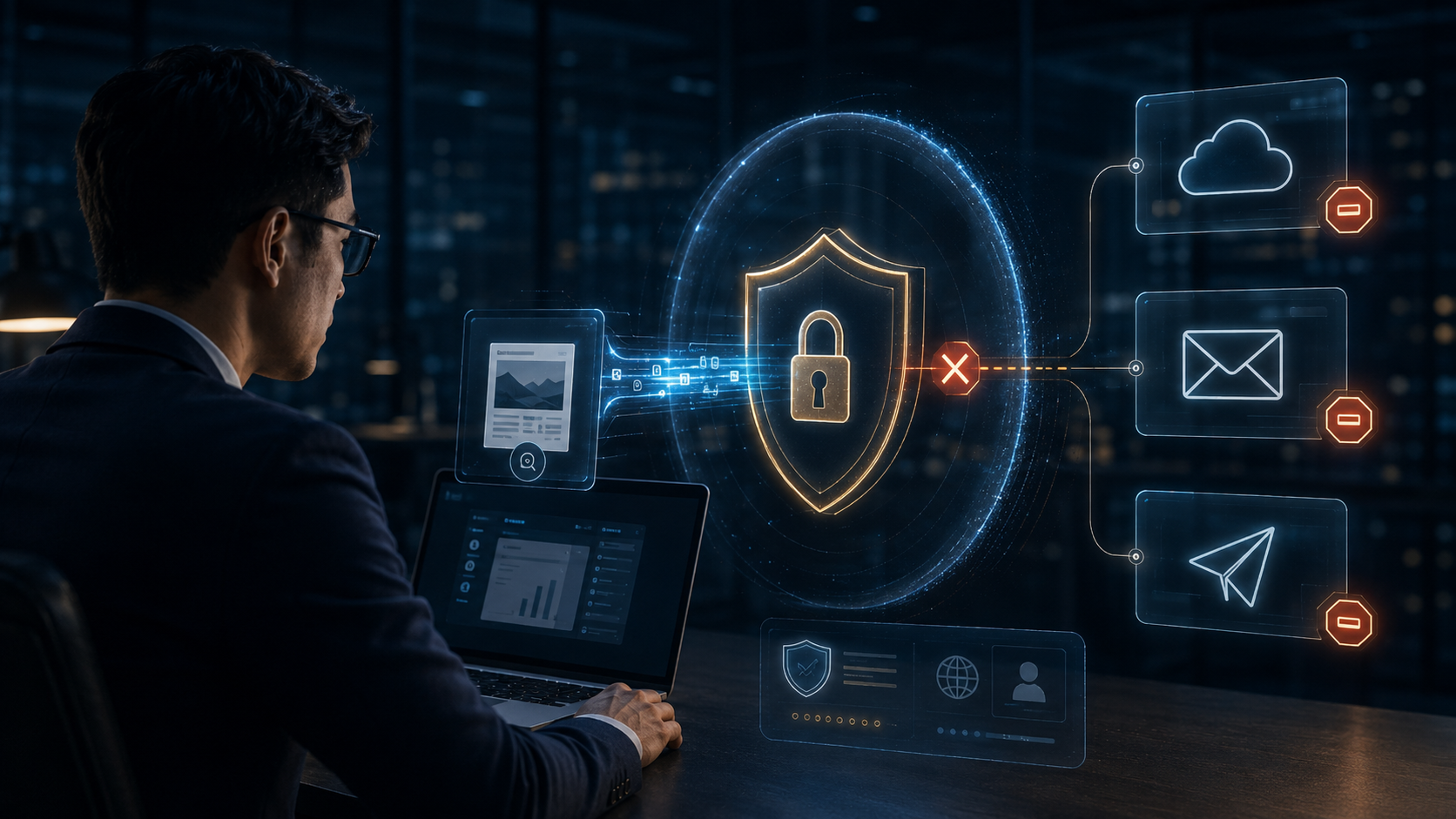
無論複製、移動、寄送或分享,DVC 保護都持續跟著文件。
傳統資安守住企業內部,DVC 繼續保護已離開邊界的文件。
Firewall · VPN · Endpoint · Identity
文件離開網路,DVC 權限仍然有效。
將文件移到企業外部,觀察 DVC 保護如何持續跟隨。
Email · Cloud · AI · Supplier
統睿科技將保護您的個人資料視為我們的首要目標。
統睿科技深知您是個人資料的所有人。我們將竭盡所能地安全保存並謹慎處理您所提供的資料。
統睿科技高度重視您的信任。因此我們在您的允許下收集最少量的資料,並且僅將資料用於原收集目的。若未獲您同意,我們不會將資料提供給第三人。
統睿科技盡各種努力保護您的資料安全,包括技術上的資訊保安、內部控管程序及實體上的資料保護措施。
統睿科技致力於提供激勵人心文件加密經驗來提升您的公司營運發展。為達成該目的,我們高度重視您的信任,並將盡力保護您的個人資料。
感謝您對統睿科技持續的支持。
統睿科技有限公司(在本政策中稱為「統睿科技」、「統睿」或「我們」)總部位於台灣,深知文件隱私對我們客戶的重要性。
雖然本隱私權政策適用於我們的所有服務,但我們也會在必要時提供與特定服務相關隱私有關的其他資訊。
個人資訊概要
我們蒐集您直接提供的個人資訊、有關您如何使用我們服務的資訊以及來自第三方的資訊。我們使用此等資訊為您提供服務、瞭解您如何使用我們的服務,以便我們提升和個性化您的體驗,並為我們的客戶開發最相關的應用程式、技術和內容。我們亦根據適用法律使用個人資訊提供根據您的興趣量身定製的個性化廣告。
生效日: [2023年1月10日]
本隱私權政策適用於我們所有的統睿科技服務,我們的客戶服務至我們提供的線上服務。我們在本政策中將此等裝置和服務稱為「服務」。
請務必經常檢查本隱私權政策是否有所更新。本隱私權政策可能會定期更新,以反映我們就服務或相關法律變更作出的個人資訊處理措施變更。我們將在我們的網站或您的裝置上發佈通知,以在我們的隱私權政策發生重大修訂之前通知您,並在隱私權政策的頂部注明最近更新時間。隱私權政策的最新版本將始終在此處提供:http://trcore.com.tw除了本隱私權政策外,統睿科技也提供與特定產品和服務相關的特定隱私權注意事項。如果本隱私權政策的條款與特定隱私權注意事項的條款有任何衝突,概以特定隱私權注意事項的條款為準。
同一套高清場景,同時服務中文與英文網站;照片本身無語言依賴,標題與說明由網站依語系呈現。

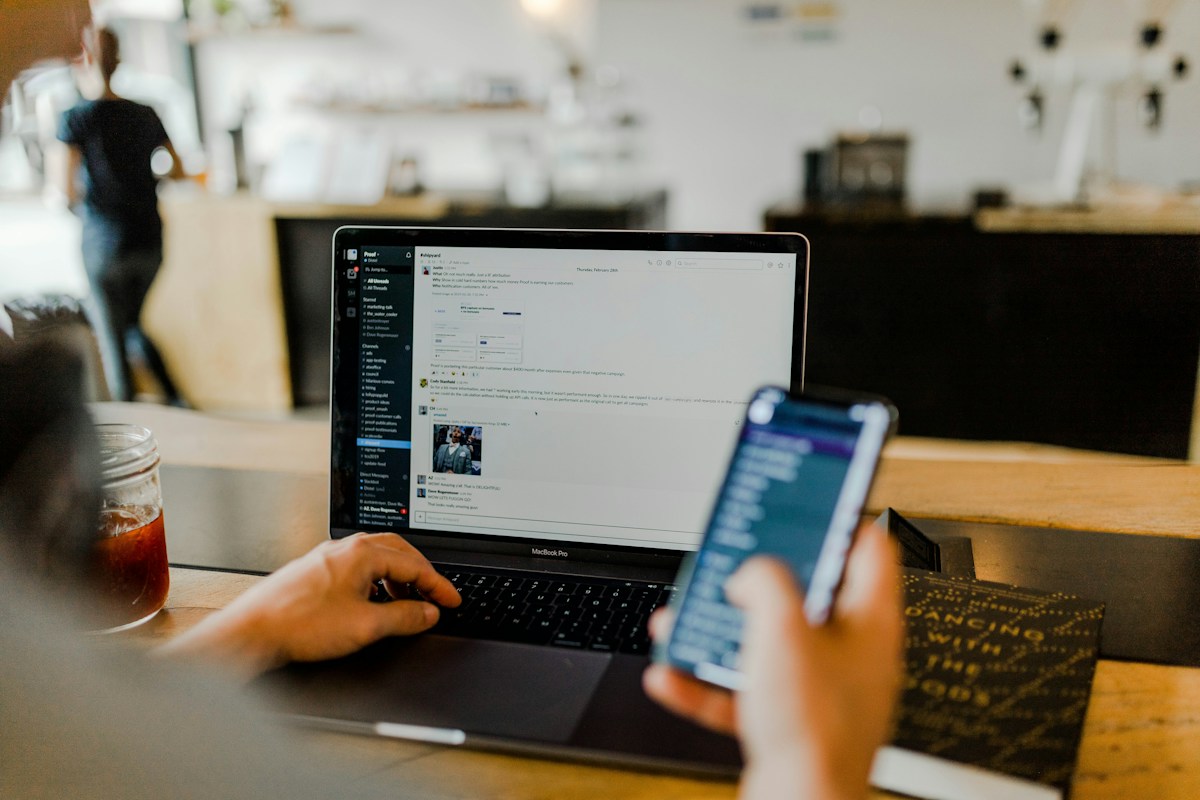
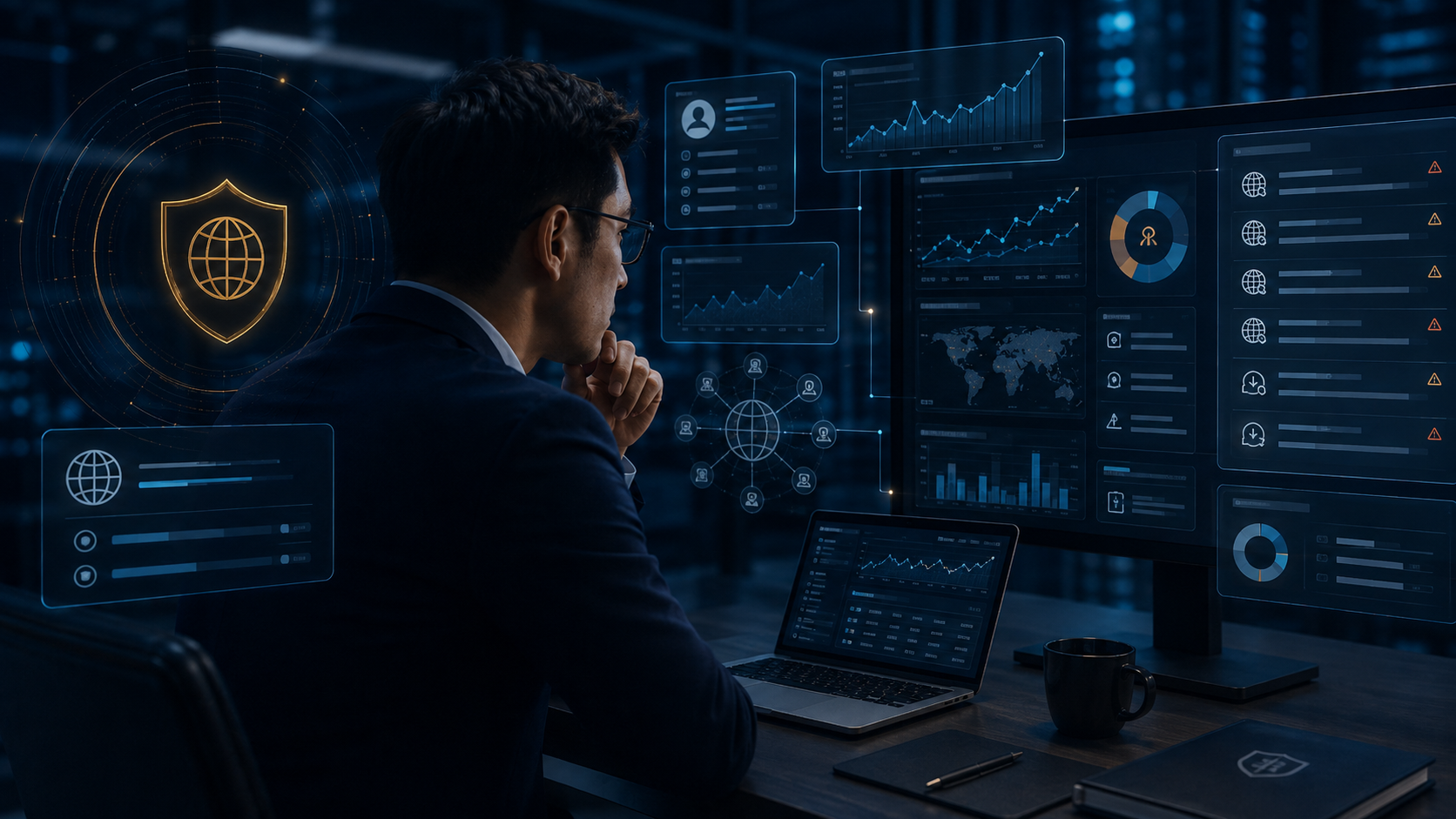
文件開啟、預覽、列印與線上閱讀時,自動加入使用者、時間、IP、公司、裝置與檔名等識別資訊,讓每一次閱讀都能追溯並降低截圖、拍照與紙本外流風險。

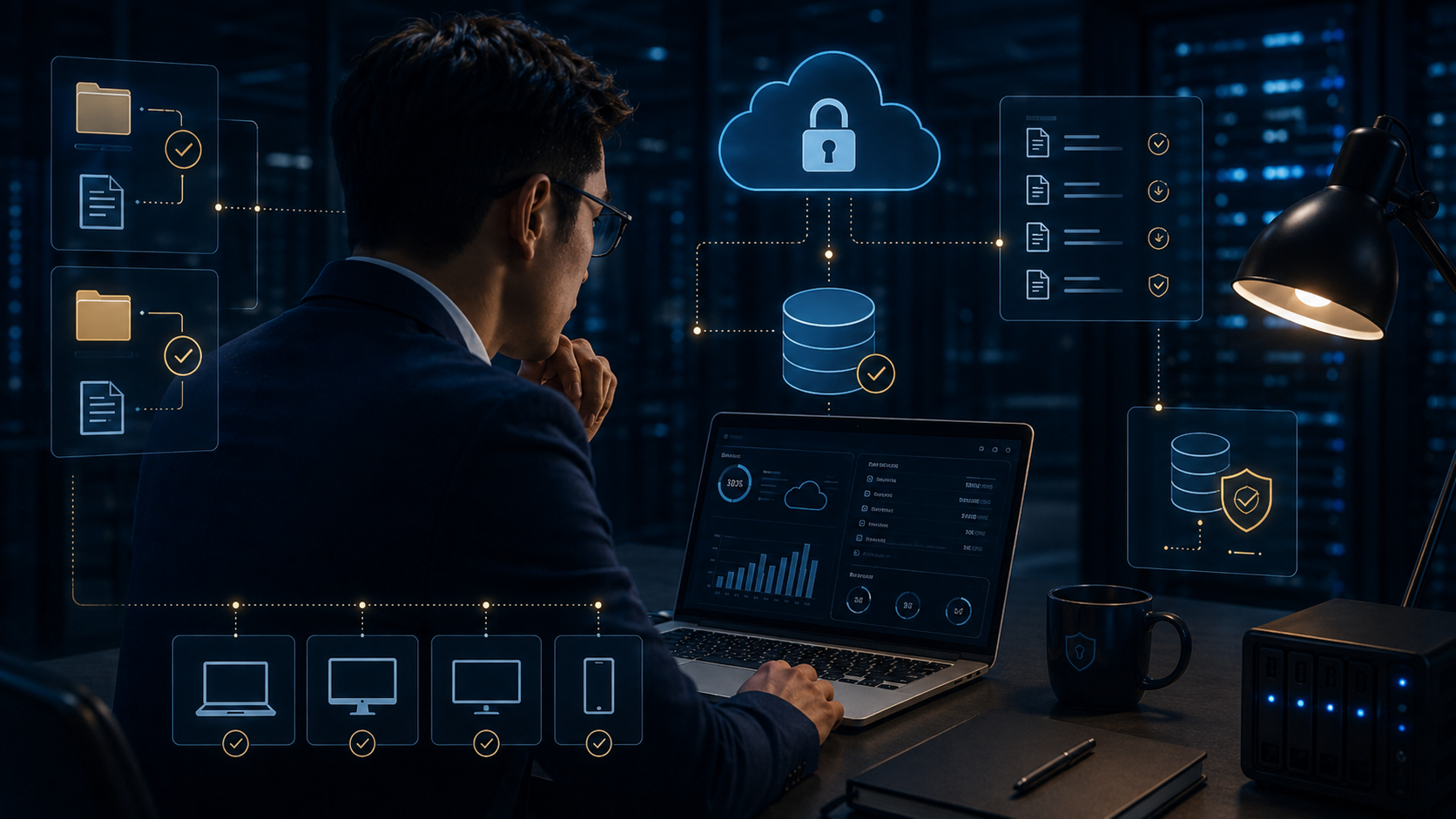
重要文件可依排程或異動自動備份,支援首次完整備份與後續增量備份,降低誤刪、硬碟故障、勒索事件與人為失誤造成的資料損失。

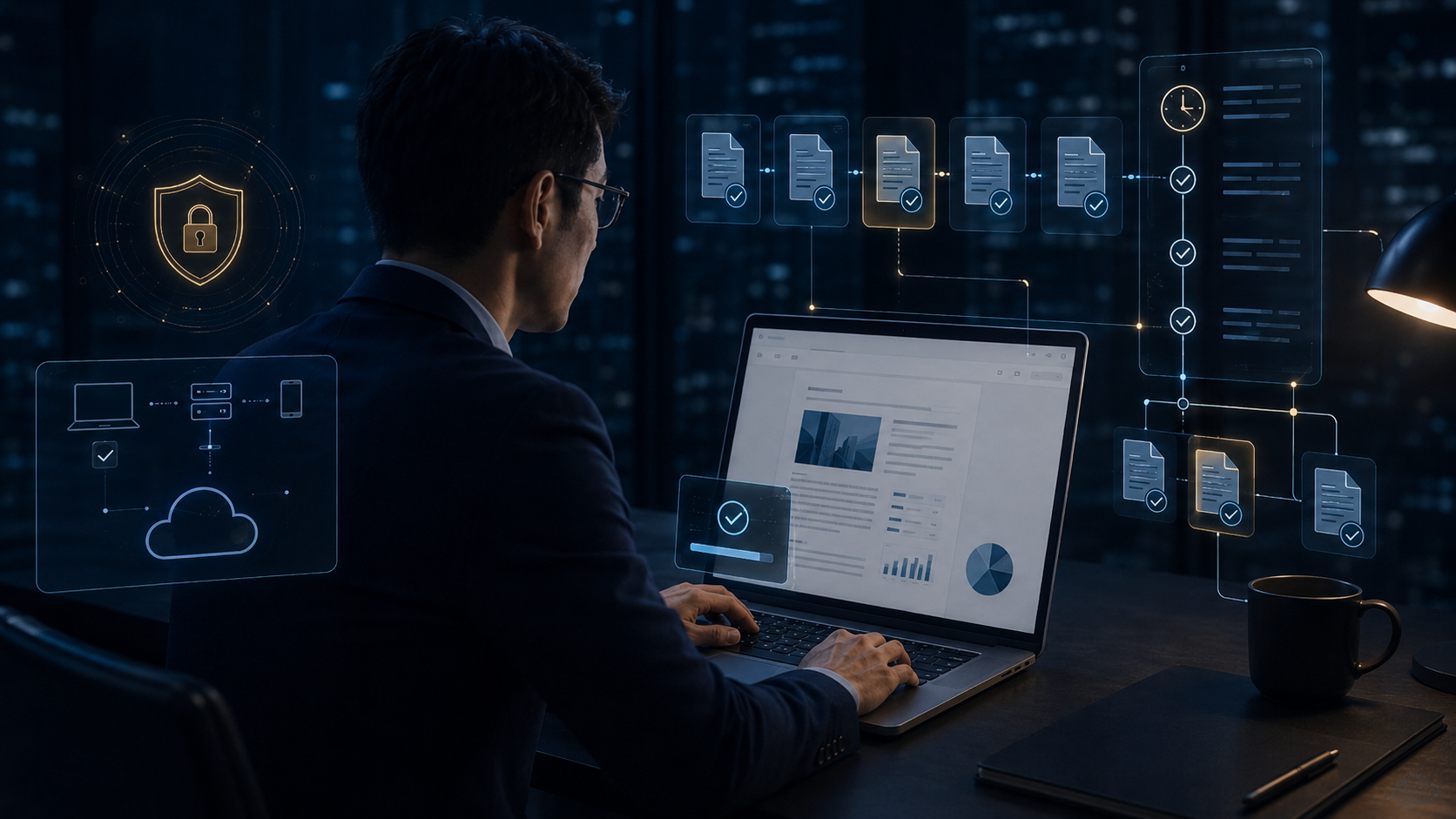
針對特定資料夾、關鍵文件或高風險檔案,在新增、修改、複製或移動時立即建立備份版本,強化關鍵文件保全與版本追蹤能力。

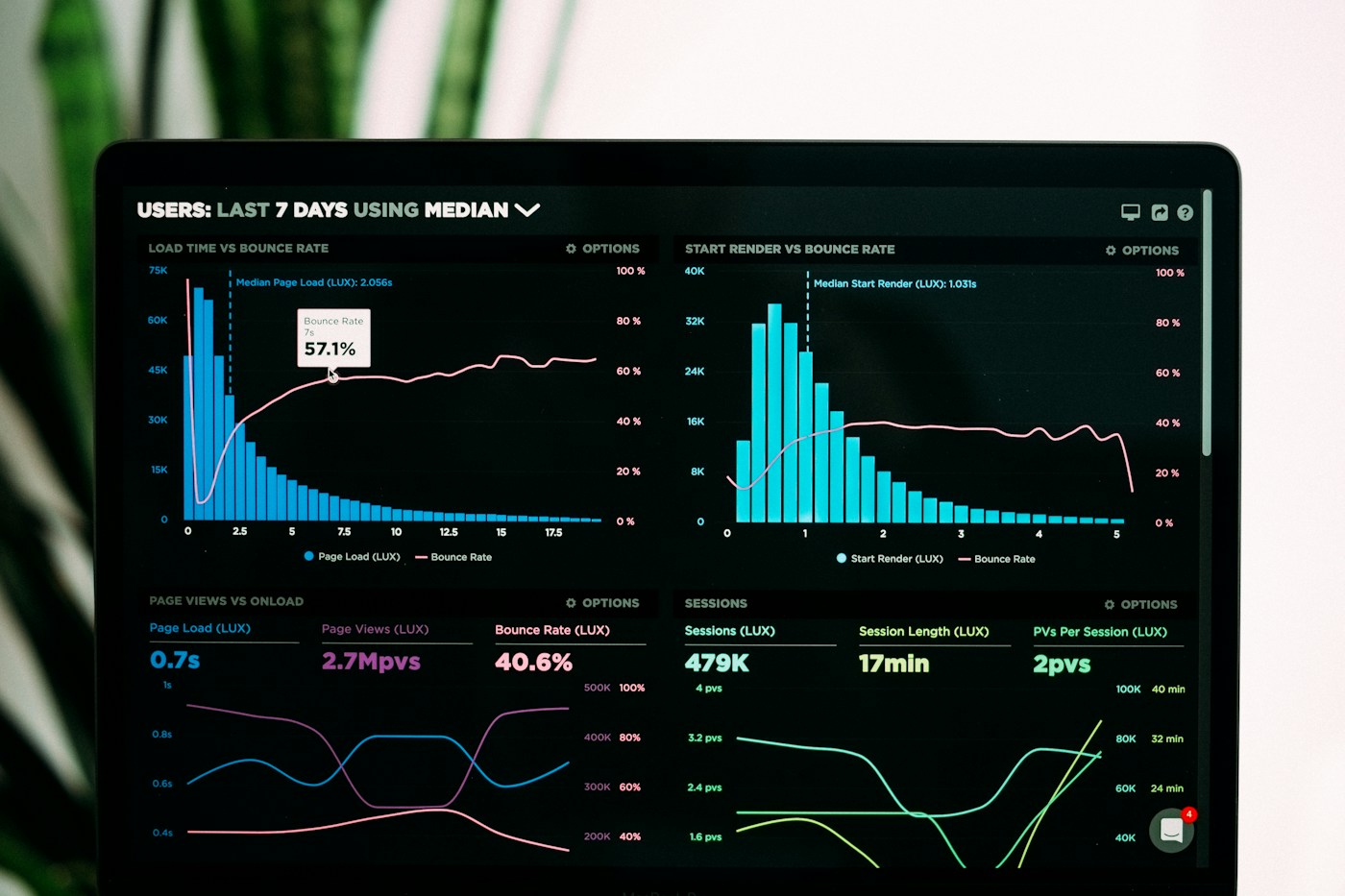
掌握網站瀏覽、下載、上傳與連線行為,辨識企業資料是否被傳送到未授權網站、雲端、社群或外部服務,建立完整的上網安全治理。

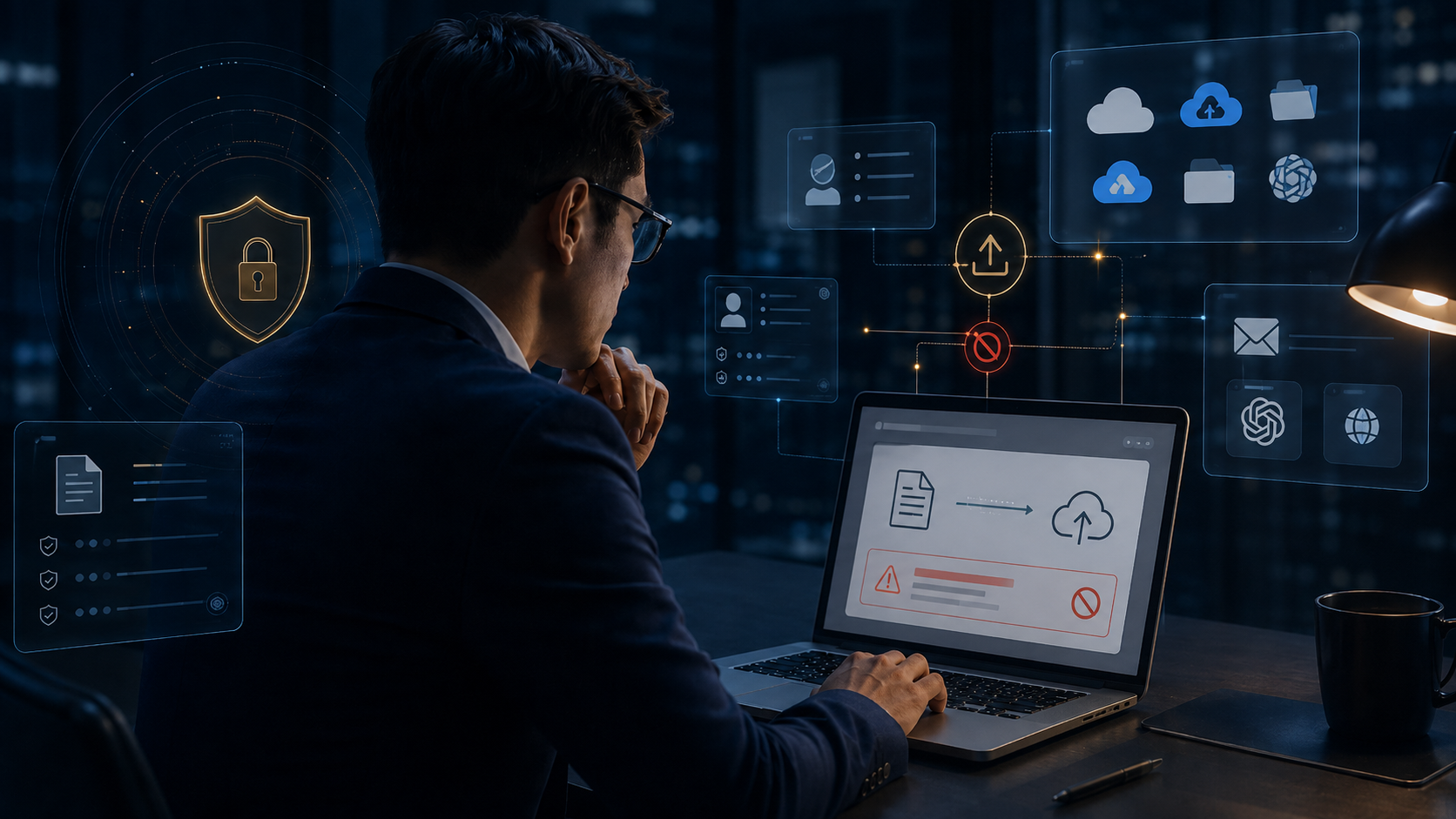
針對 AI 平台、雲端硬碟、外部 Webmail 與檔案分享網站進行風險判斷,文件上傳前可先掃描、告警或阻擋。

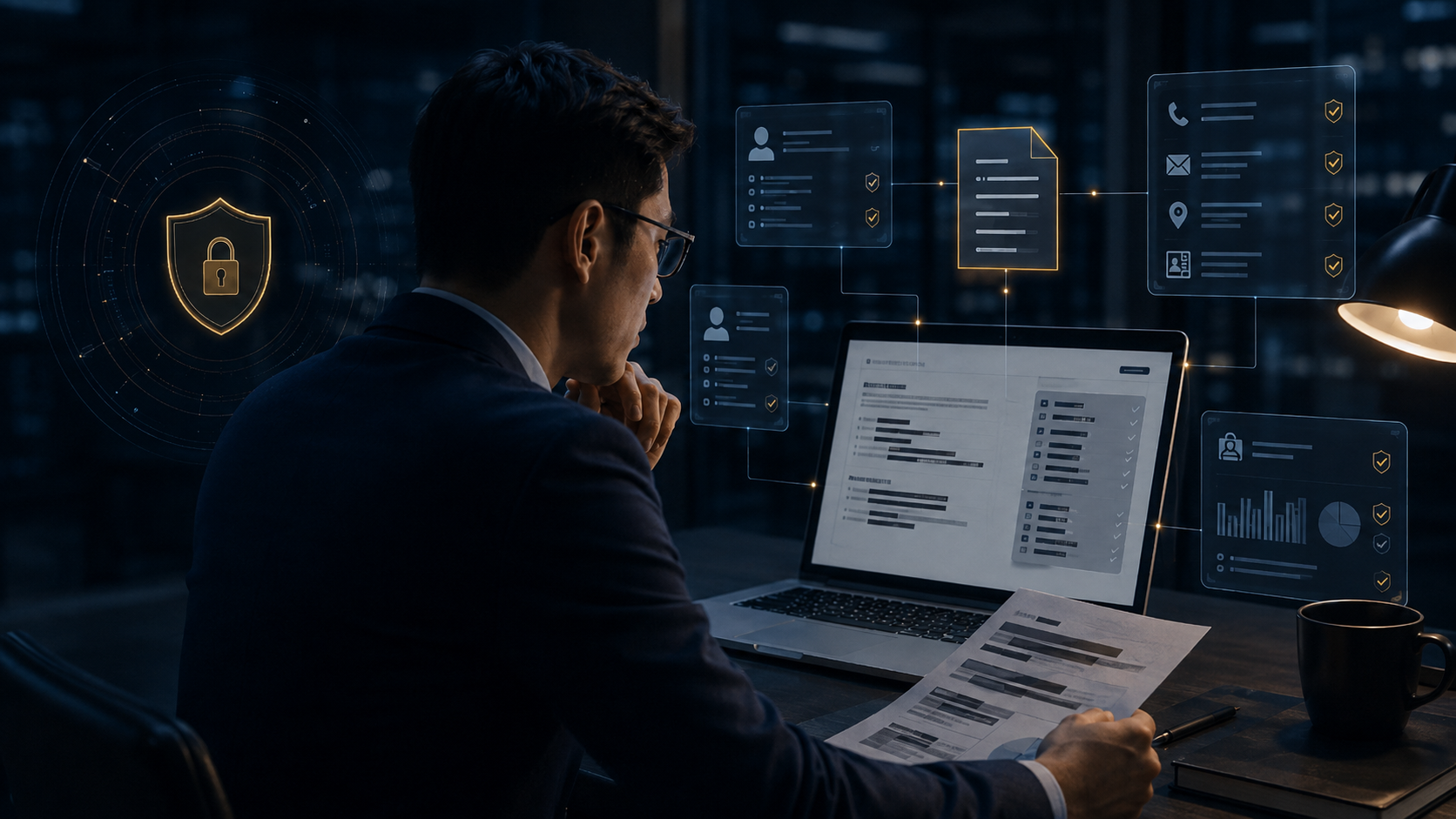
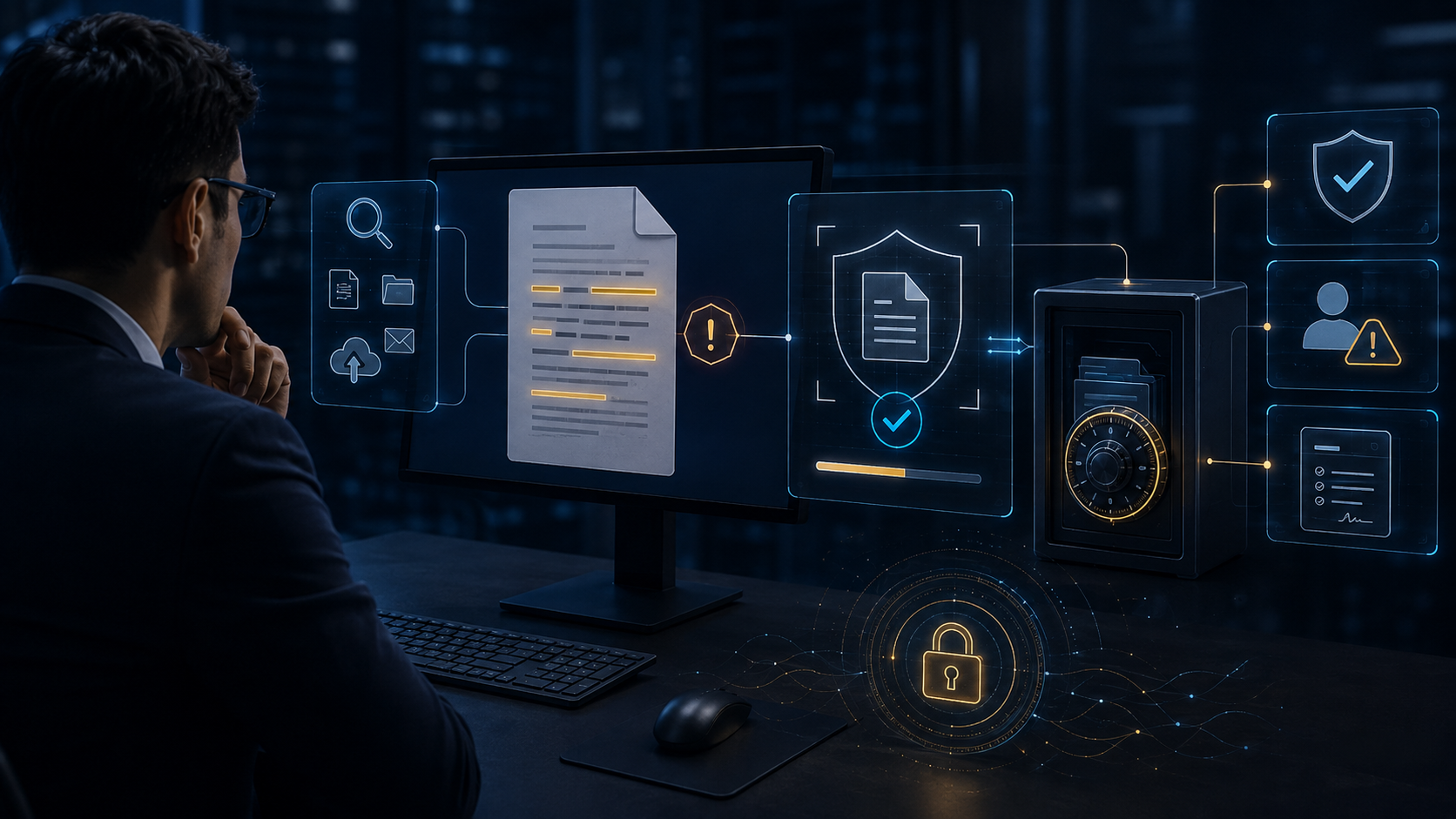
文件對外傳送前,自動辨識姓名、電話、身分證號、Email、地址等敏感個資並進行遮罩或匿名化,降低人工處理遺漏與法遵風險。

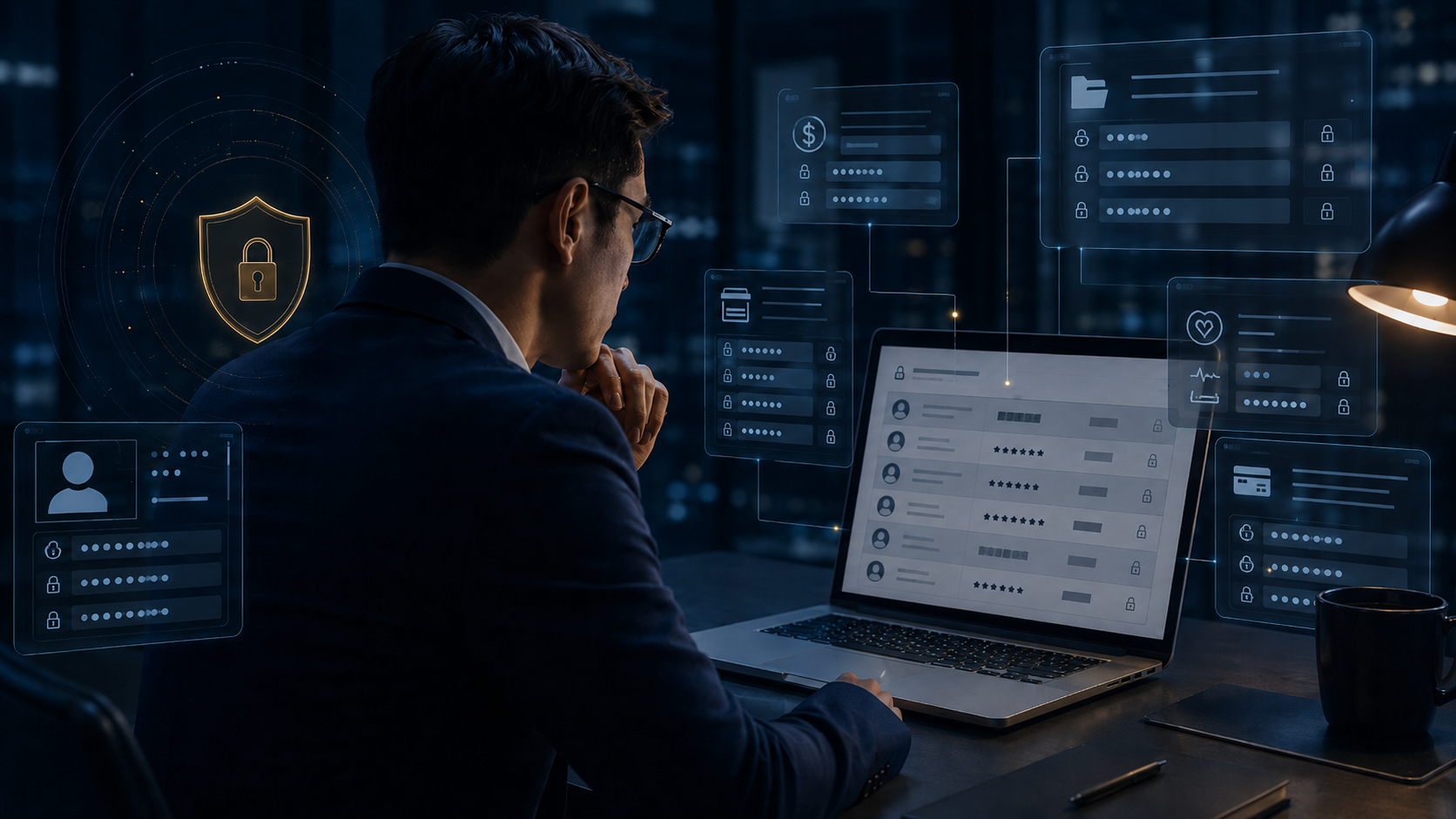
針對病歷、薪資、員工編號、供應商資料與專案識別內容進行條件式遮罩,讓文件在可用性與資訊安全之間取得平衡。

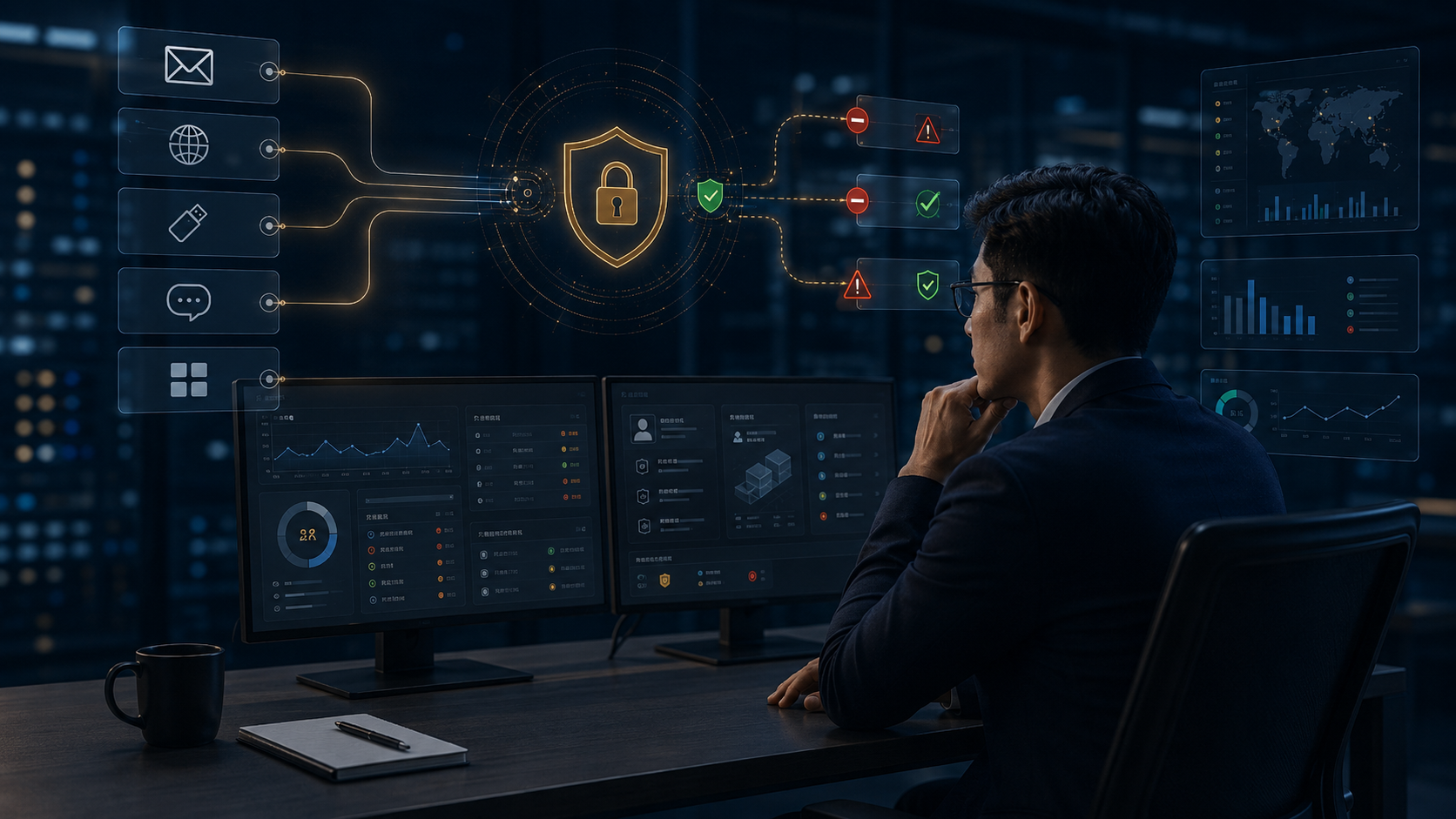
從 Email、瀏覽器、USB、即時通訊、剪貼簿與應用程式等外傳路徑進行內容判斷,依政策執行允許、警告、阻擋、隔離或通知。

當文件命中機密、報價單、設計圖、客戶名單或專案代號等關鍵字時,先自動建立證據副本與備份,再執行警告、阻擋或隔離。

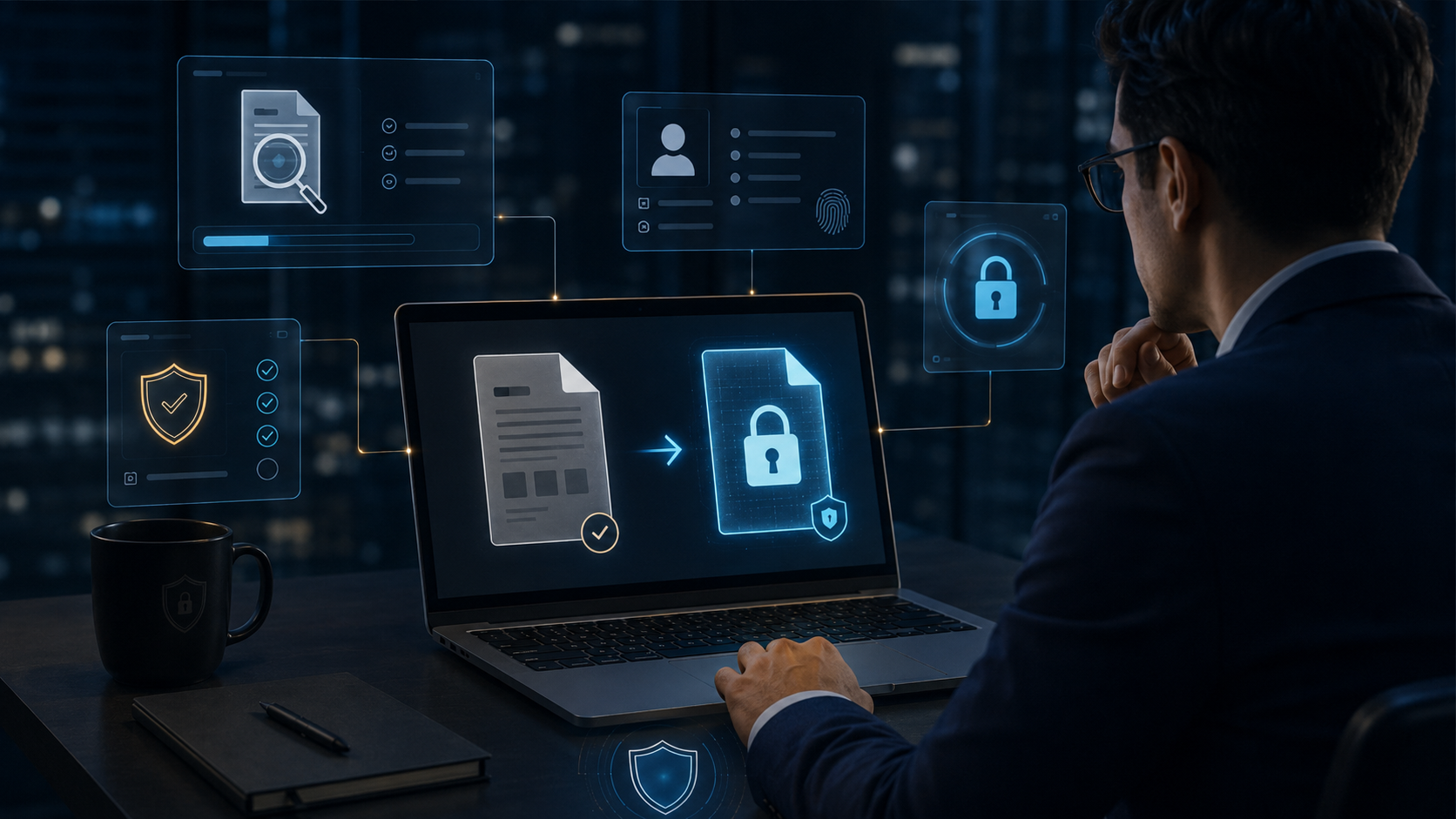
掃描發現敏感內容後,自動將文件轉為 DVC 受控加密狀態,避免高風險文件持續以明文散落在端點、共享資料夾或外部流程中。

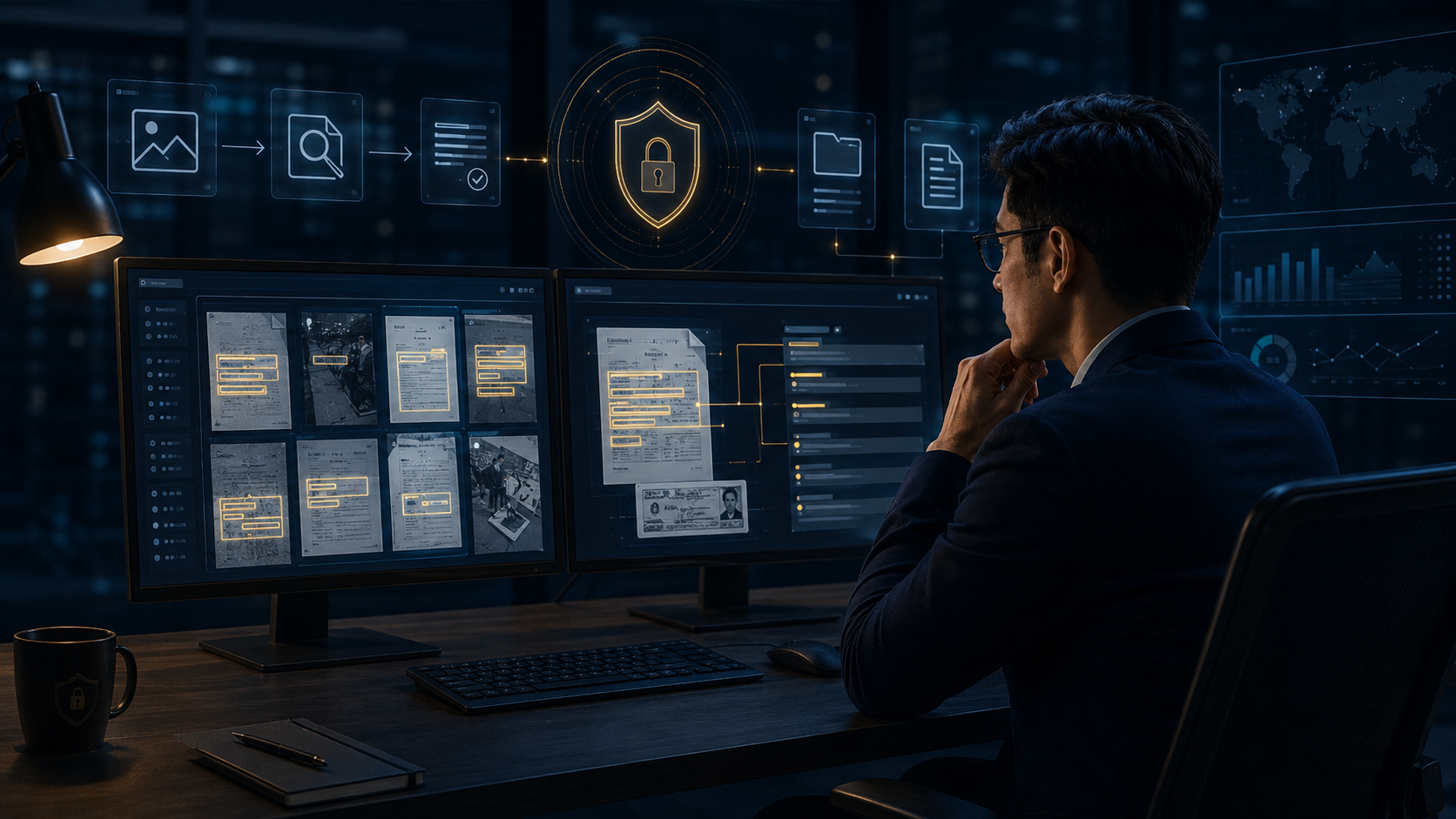
對 JPG、PNG、掃描文件、擷圖與拍照影像中的文字執行 OCR 分析,即使沒有文字層,也能辨識專案名稱、料號、客戶名稱與技術內容。

當圖片命中敏感關鍵字或辨識出高風險內容時,可直接禁止上傳、外寄或分享,避免透過截圖與影像繞過傳統文字型 DLP。

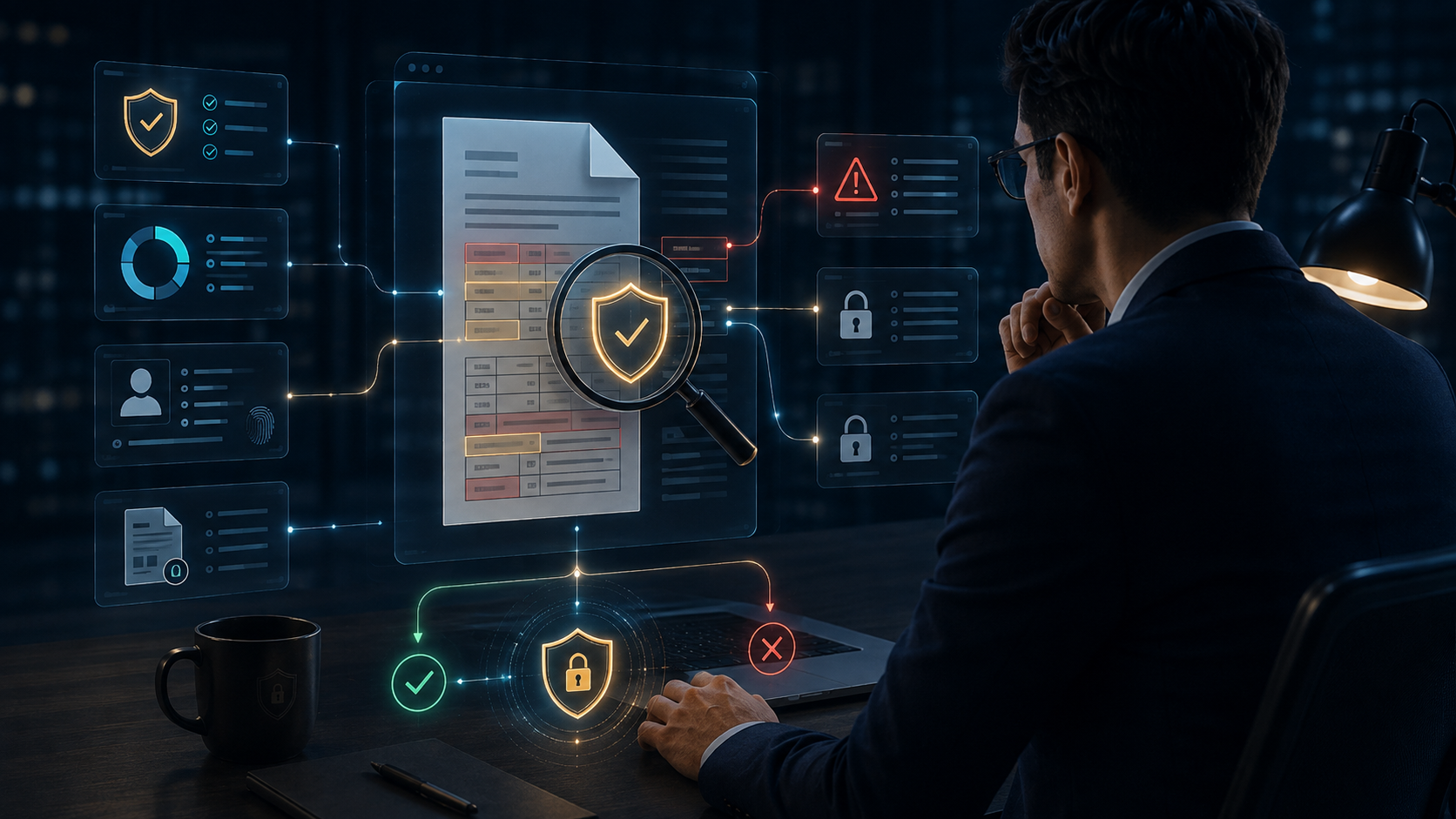
直接分析 PDF 內部文字、表格與敏感詞彙,發現機密資訊、客戶資料、報價內容或技術文件時,可立即告警或阻擋外傳。

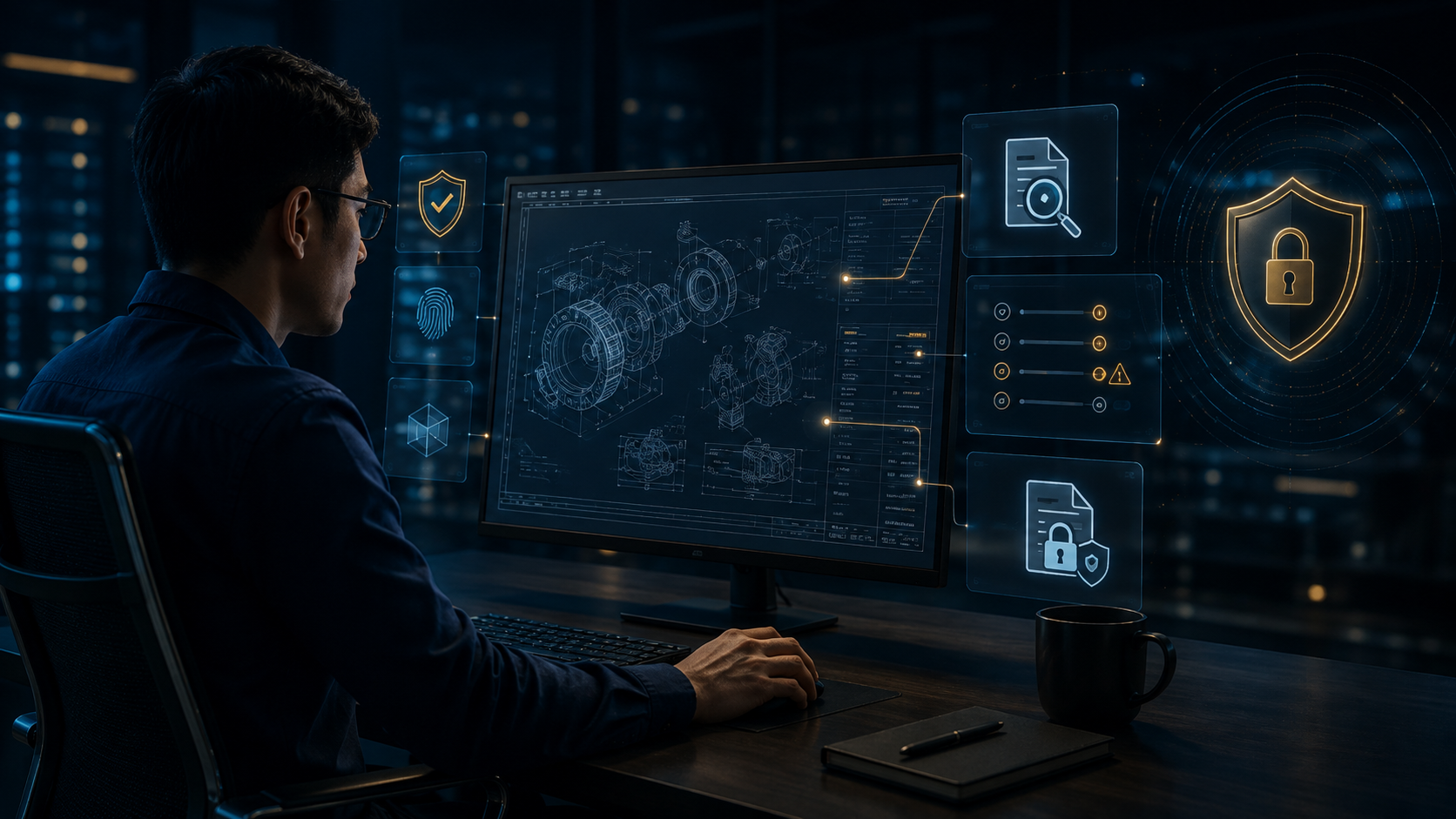
針對 CAD / DWG 圖面中的標題、圖框、註解、料號、專案名稱、版本與製造參數進行內容判斷,保護工程設計智慧財產。

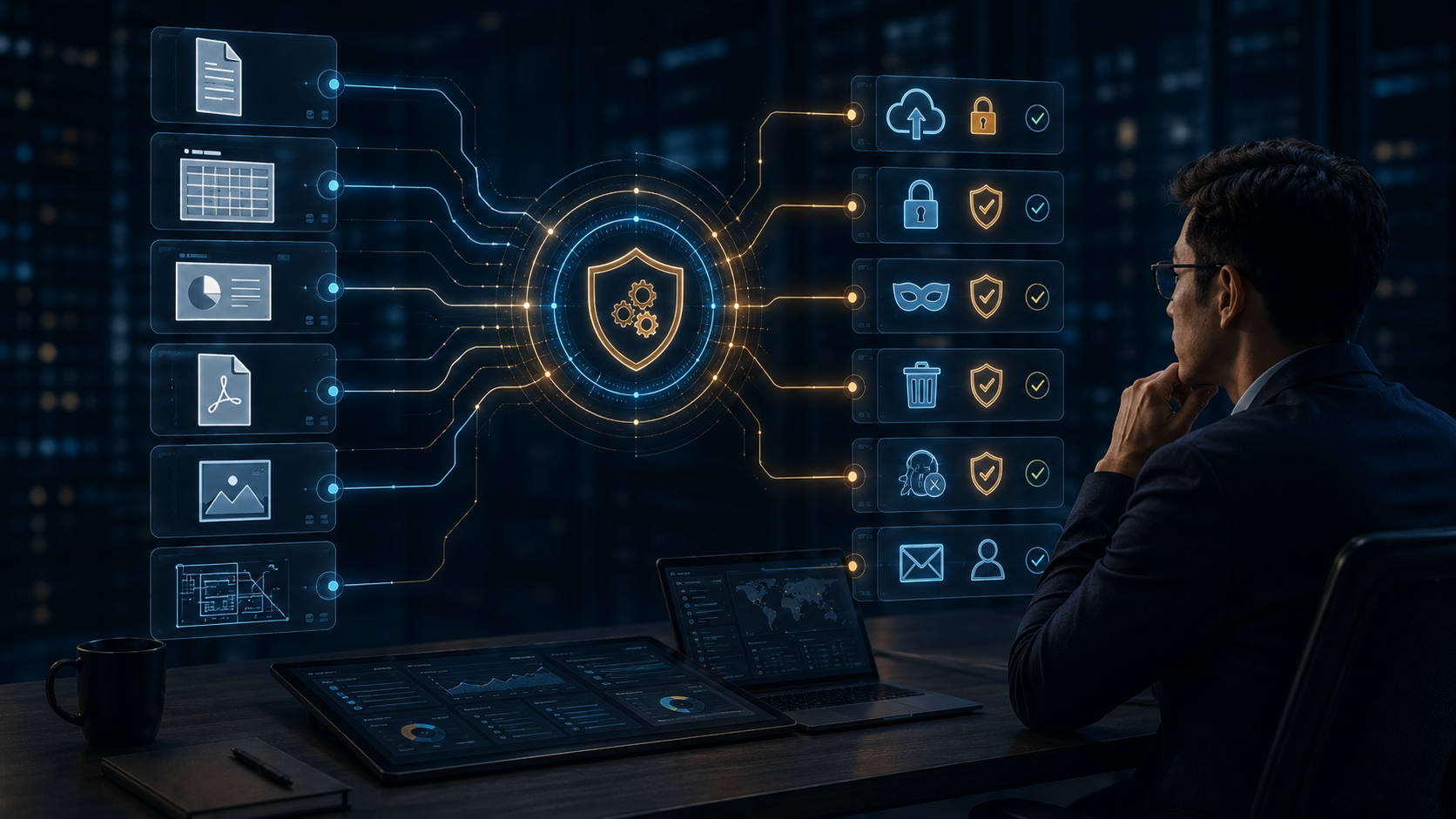
Word、Excel、PowerPoint、PDF、DWG 與圖片可套用同一套安全政策,依風險自動執行備份、加密、遮罩、阻擋、隔離、通知與稽核。
One shared set of high-resolution, language-neutral scenes for both Chinese and English pages, with localized titles and descriptions rendered by the website.

Automatically overlays user, time, IP, company, device, and file information during viewing, previewing, printing, and online reading to keep every access traceable and discourage unauthorized capture or redistribution.

Protects important files with scheduled or change-triggered backups, including an initial full backup followed by incremental backups to reduce data loss from deletion, disk failure, ransomware, or human error.

Creates a new protected backup version immediately when designated folders or high-value files are created, modified, copied, or moved, strengthening preservation and version traceability.

Monitors browsing, downloads, uploads, and connection activity to identify whether enterprise data is being sent to unauthorized websites, cloud services, social platforms, or external destinations.

Evaluates uploads to AI services, cloud drives, external webmail, and file-sharing sites, allowing DVC to scan, warn, or block risky transfers before data leaves the organization.

Detects names, phone numbers, national IDs, email addresses, locations, and other personal data before external sharing, then masks or anonymizes sensitive fields automatically.

Applies conditional masking to medical, payroll, employee, supplier, and project-identifying fields so documents remain useful while exposing only the minimum necessary information.

Inspects content moving through email, browsers, USB, instant messaging, clipboard, and applications, then enforces allow, warn, block, quarantine, or notify actions based on policy.

When confidential terms, quotes, design drawings, customer lists, or project codes are detected, DVC can first preserve an evidence copy before warning, blocking, or quarantining the transfer.

When DLP identifies sensitive content, the file can be automatically converted into a DVC-controlled encrypted state so high-risk documents do not remain exposed in plaintext.

Analyzes text inside JPG, PNG, scans, screenshots, and photographed documents, allowing sensitive project names, part numbers, customer names, and technical data to be detected even without a text layer.

Blocks uploads, email, or sharing when OCR detects sensitive words or high-risk content inside images, preventing screenshots and scanned images from bypassing traditional text-based DLP.

Inspects PDF text, tables, and sensitive terms directly, allowing confidential information, customer data, pricing, and technical content to trigger immediate warnings or blocking.

Analyzes CAD / DWG titles, title blocks, annotations, part numbers, project names, revisions, and manufacturing parameters to protect engineering intellectual property.

Applies one security policy across Word, Excel, PowerPoint, PDF, DWG, and image files, automatically orchestrating backup, encryption, masking, blocking, quarantine, notification, and audit actions.
研究開発資料、Office文書、AIへのアップロード、サプライヤーとのファイル共有まで、文書のライフサイクル全体を保護します。
実際の業務シーンをそのままに、DVCが結果をどう変えるかを体験できます。