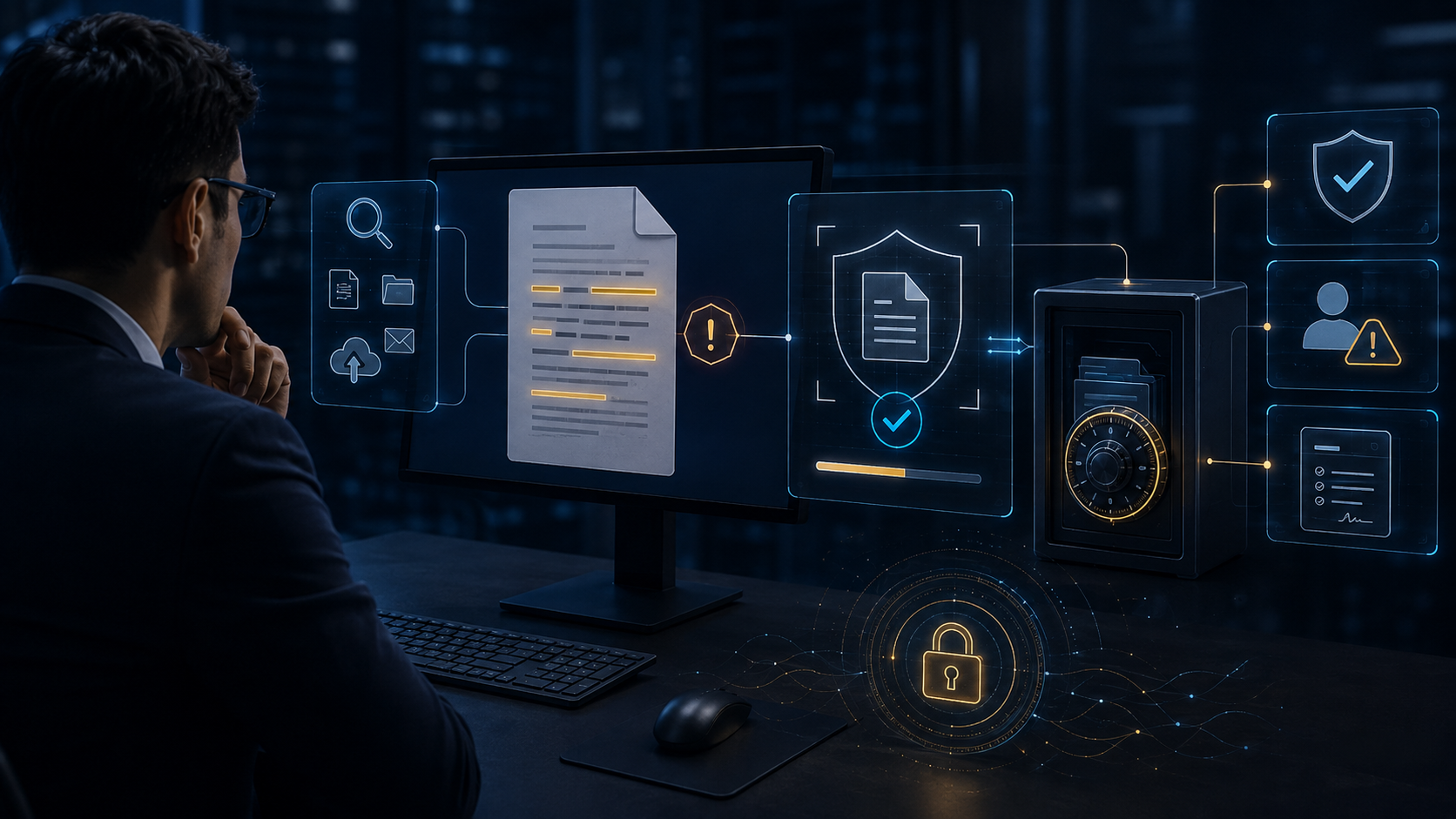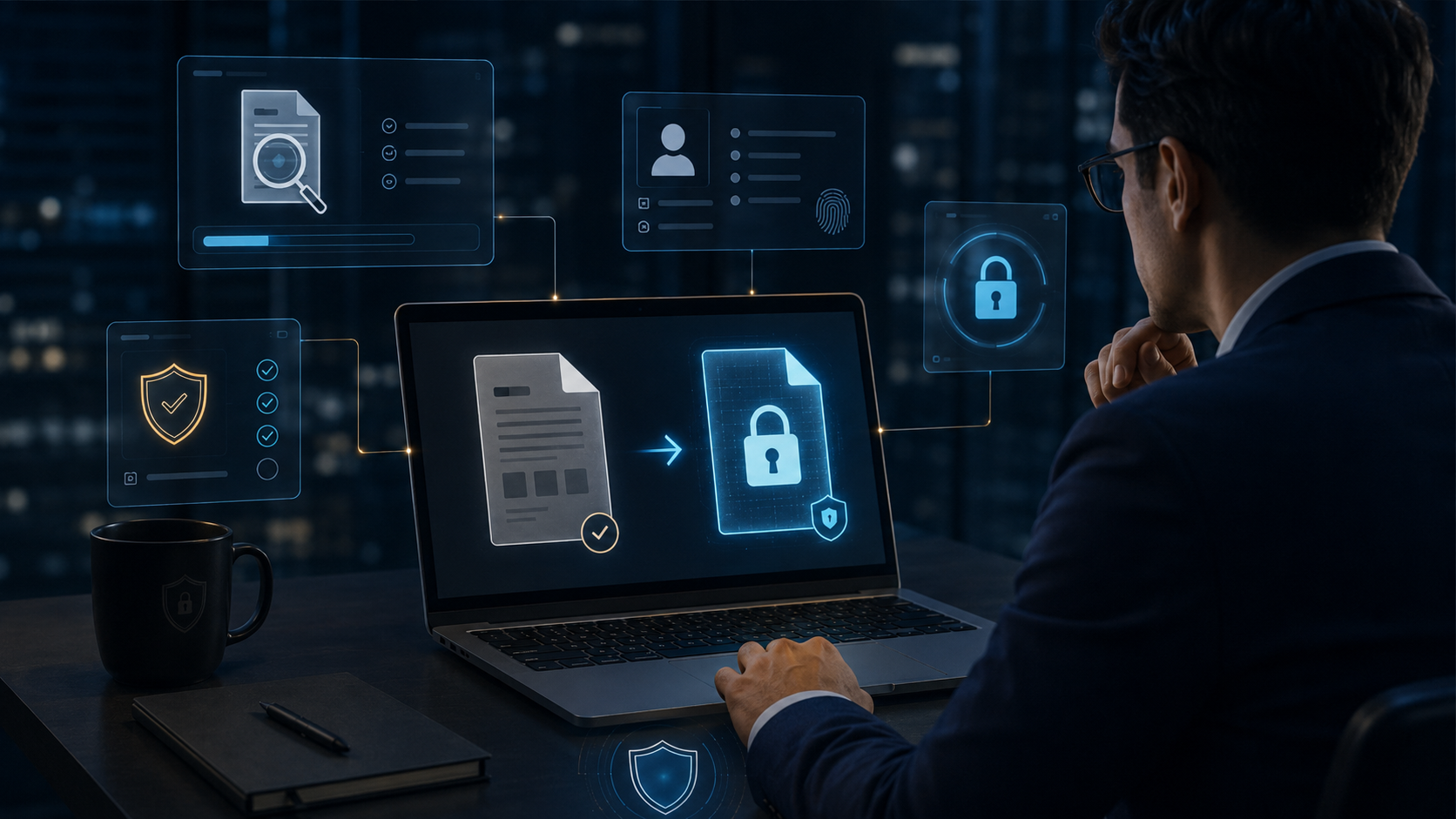
文件可以流動,控制權仍在企業。
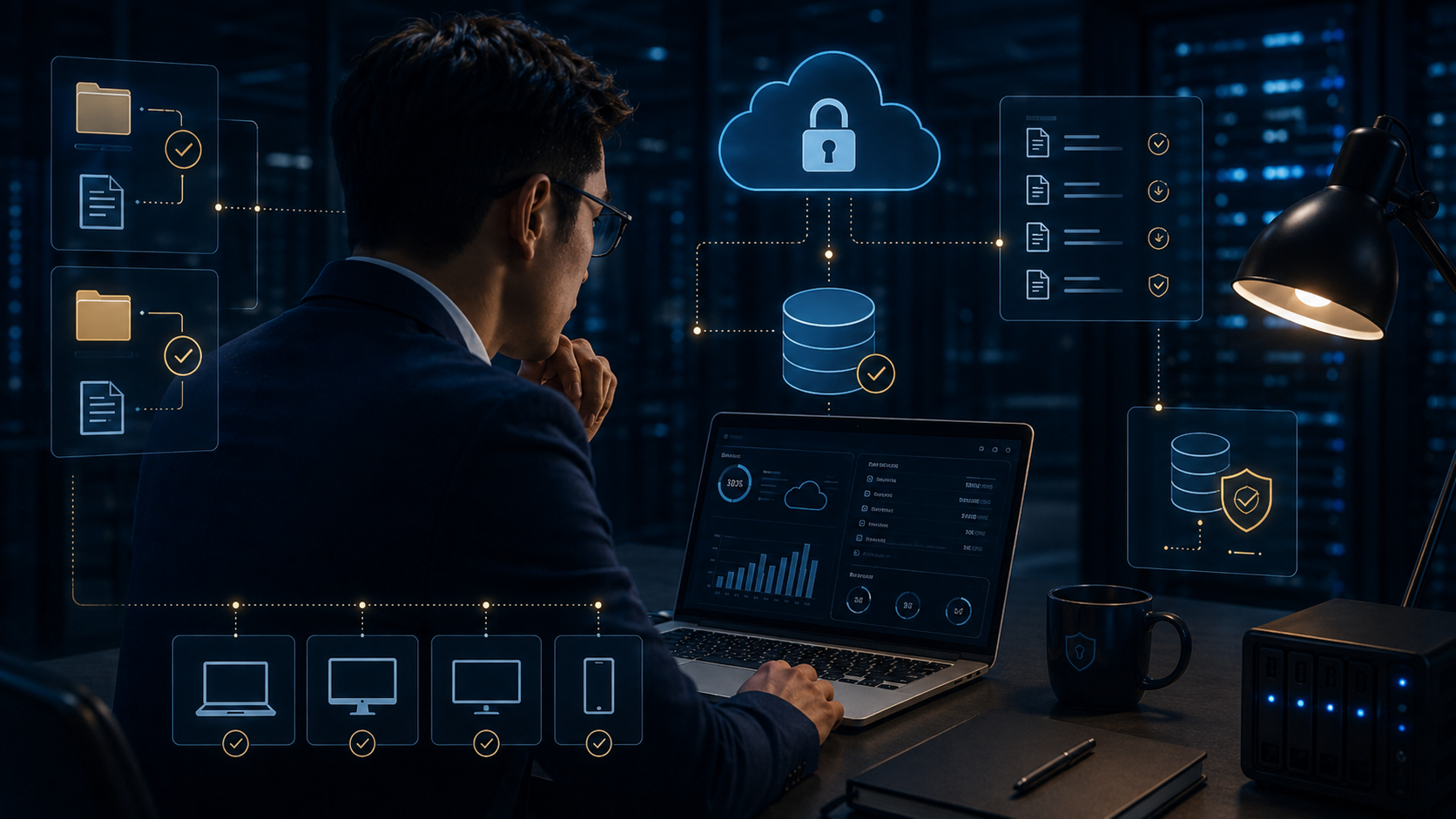
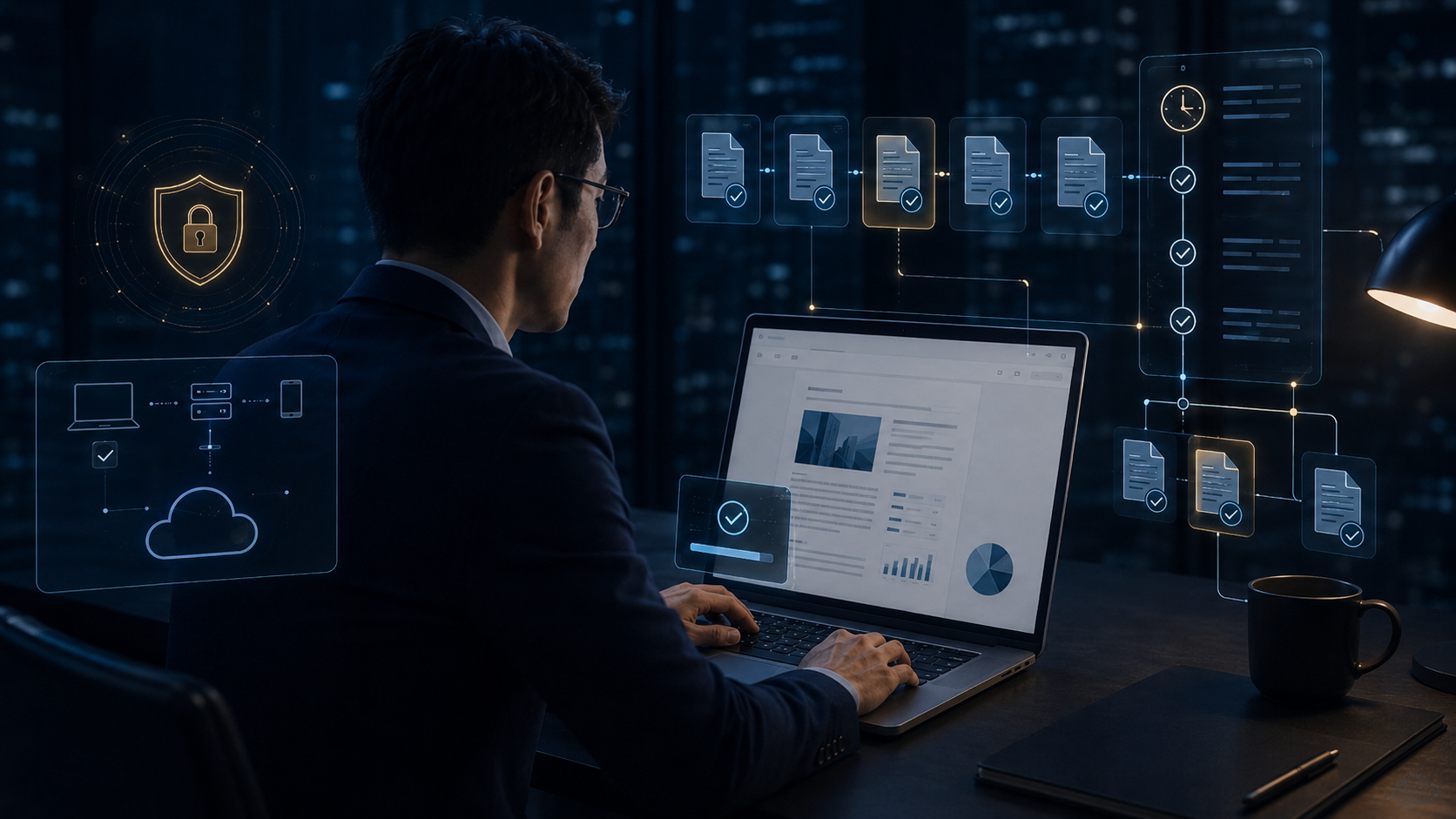
DVC 將安全邊界從網路與裝置延伸到文件本身。
品牌與信任所有首頁功能依編號排列;沒有輪詢重排、沒有固定覆蓋層,也不會再把選單搬到頁尾。
DVC 將安全邊界從網路與裝置延伸到文件本身。
品牌與信任以真實文件移動情境呈現 DVC 如何持續保護、判斷與稽核。
品牌與信任文件、政策、稽核與 AI Ready 共同構成企業文件安全核心。
品牌與信任Email、AI、Cloud 與 Supplier 路徑,都會先經過 DVC 政策判斷。
品牌與信任檔案離開公司後,加密、身分、權限與稽核仍持續跟隨。
品牌與信任工程圖、Office、研發資料不必等到外傳才處理。DVC 在文件生命週期最前端就把保護套上去。
文件建立與 DLP同一份文件,依人員、部門、裝置與位置給出不同結果。
文件建立與 DLP讓保護本身跟著文件跨越 Email、Cloud、USB 與供應商。
文件建立與 DLP身分、裝置、內容、目的地、政策五個維度自動跑完,不需要使用者一直點。
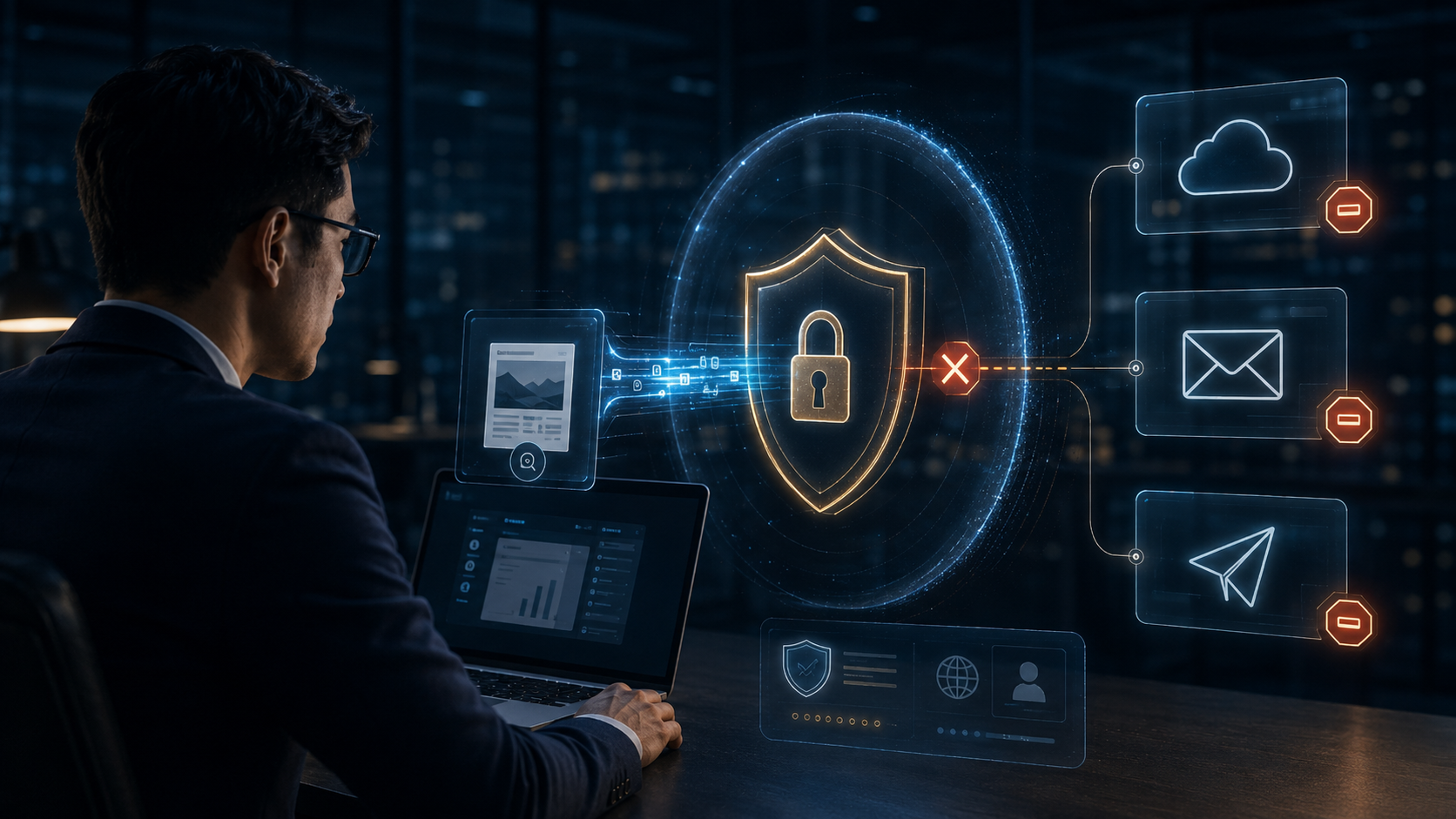
文件建立與 DLP這次不畫抽象的「六個出口」。直接看一個每家公司現在都可能發生的情境:X7 研發文件準備上傳 AI,DVC 在資料真正離開前攔下它。
文件建立與 DLP權限直接跟著 X7 文件。切到非授權時間,文件本身立即拒絕開啟。
使用權限與防護檔案即使還在供應商硬碟,內容也不再交付。此段自動循環。
使用權限與防護自己按「開啟文件」。三次用完後,下一次就直接拒絕。
使用權限與防護按「嘗試列印」,DVC 會在內容進入列印流程前阻止。
使用權限與防護自動演示 CTRL+C:閱讀允許,但剪貼簿被 DVC 拒絕。
使用權限與防護65 complete homepage capabilities—from encryption, rights, DLP, OCR, and AI upload protection to Connect, KSI, and enterprise governance.
All homepage capabilities are rendered in numeric order, with no polling reorders, fixed overlays, or navigation moving to the bottom.
DVC extends security from the network and device to the file itself.
Brand & TrustSee how DVC protects, evaluates, and audits documents throughout their journey.
Brand & TrustDocument, Policy, Audit, and AI Ready form the enterprise security core.
Brand & TrustEmail, AI, Cloud, and Supplier routes are evaluated before data leaves.
Brand & TrustEncryption, identity, rights, and audit continue after the file leaves the company.
Brand & TrustProtect CAD, Office and R&D files from creation.
Protection & DLPAccess depends on user, department, device and location.
Protection & DLPProtection follows Email, Cloud, USB and suppliers.
Protection & DLPDVC evaluates user, device, content, destination, and policy before release.
Protection & DLPX7 R&D data is headed to AI. DVC stops it before it leaves.
Protection & DLPAccess rights travel with the X7 file. Outside the approved time window, the file itself refuses to open.
Rights & Usage ControlsEven if the file remains on a supplier drive, its content is no longer accessible.
Rights & Usage ControlsOpen the file yourself. After three permitted opens, the next attempt is denied.
Rights & Usage ControlsTry to print and DVC blocks the job before protected content reaches the print pipeline.
Rights & Usage ControlsAutomatic CTRL+C demo: reading is allowed, but clipboard extraction is blocked by DVC.
Rights & Usage Controls統睿科技將保護您的個人資料視為我們的首要目標。
統睿科技深知您是個人資料的所有人。我們將竭盡所能地安全保存並謹慎處理您所提供的資料。
統睿科技高度重視您的信任。因此我們在您的允許下收集最少量的資料,並且僅將資料用於原收集目的。若未獲您同意,我們不會將資料提供給第三人。
統睿科技盡各種努力保護您的資料安全,包括技術上的資訊保安、內部控管程序及實體上的資料保護措施。
統睿科技致力於提供激勵人心文件加密經驗來提升您的公司營運發展。為達成該目的,我們高度重視您的信任,並將盡力保護您的個人資料。
感謝您對統睿科技持續的支持。
統睿科技有限公司(在本政策中稱為「統睿科技」、「統睿」或「我們」)總部位於台灣,深知文件隱私對我們客戶的重要性。
雖然本隱私權政策適用於我們的所有服務,但我們也會在必要時提供與特定服務相關隱私有關的其他資訊。
個人資訊概要
我們蒐集您直接提供的個人資訊、有關您如何使用我們服務的資訊以及來自第三方的資訊。我們使用此等資訊為您提供服務、瞭解您如何使用我們的服務,以便我們提升和個性化您的體驗,並為我們的客戶開發最相關的應用程式、技術和內容。我們亦根據適用法律使用個人資訊提供根據您的興趣量身定製的個性化廣告。
生效日: [2023年1月10日]
本隱私權政策適用於我們所有的統睿科技服務,我們的客戶服務至我們提供的線上服務。我們在本政策中將此等裝置和服務稱為「服務」。
請務必經常檢查本隱私權政策是否有所更新。本隱私權政策可能會定期更新,以反映我們就服務或相關法律變更作出的個人資訊處理措施變更。我們將在我們的網站或您的裝置上發佈通知,以在我們的隱私權政策發生重大修訂之前通知您,並在隱私權政策的頂部注明最近更新時間。隱私權政策的最新版本將始終在此處提供:http://trcore.com.tw除了本隱私權政策外,統睿科技也提供與特定產品和服務相關的特定隱私權注意事項。如果本隱私權政策的條款與特定隱私權注意事項的條款有任何衝突,概以特定隱私權注意事項的條款為準。
機密內容直接拖進 Word、瀏覽器或其他程式時,DVC 可以保留閱讀,但切斷跨程式搬移。
使用權限與防護按下截圖後,DVC 直接讓真正的工程內容進入保護層,而不是把敏感畫面交出去。
使用權限與防護使用者、IP、時間與公司資訊直接出現在閱讀畫面。按一下切換內部人員與外部供應商。
使用權限與防護文件離開公司硬碟後仍然是受保護檔案。先複製到 USB,再嘗試在未授權電腦開啟。
使用權限與防護雲端只是儲存位置。DVC 金鎖與權限仍附著在文件本身,核准身分才可以取得明文。
使用權限與防護傳輸工具可以變,但文件權限不變。把 X7 機密報價寄到個人信箱後,未授權身分仍無法取得明文。
裝置與生命週期在允許的離線期間內可以使用;超過政策期限後,即使完全斷網,文件也會停止解密。
裝置與生命週期裝置落到別人手上,硬碟裡仍只有受保護文件。按下「模擬失竊」看未授權者開啟時的結果。
裝置與生命週期攻擊者不透過 Windows、不透過原裝置,直接拆硬碟讀取資料;DVC 保護仍然存在。
裝置與生命週期專案結束、寄錯人、供應商終止合作,都不必要求對方「把檔案刪掉」。直接撤銷權限,下一次開啟立即失效。
裝置與生命週期先模擬把 PHOENIX 報價寄錯供應商,再手動撤銷。檔案可以留在對方電腦,但明文權限立即失效。
裝置與生命週期不是逐份刪檔,而是撤掉身分權限。按下停權後,再嘗試開啟過去取得的研發文件。
裝置與生命週期用一個動作結束整個 PHOENIX 專案授權,而不是人工逐份回收。
裝置與生命週期切換使用者身分,再按「開啟 CAD」。同一份 DWG,在內部工程師與未授權加工廠看到完全不同結果。
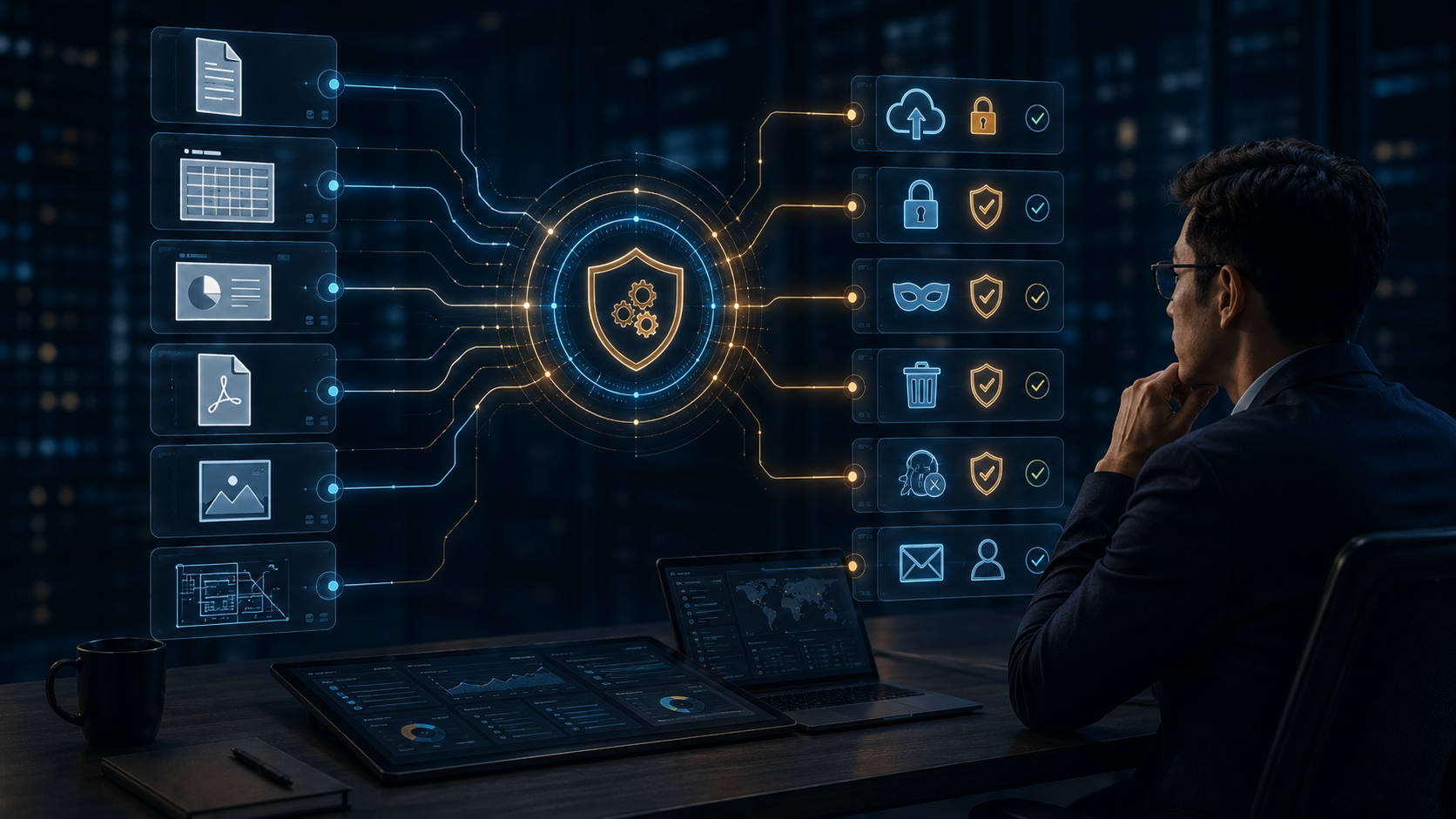
裝置與生命週期先選一種文件,再手動套用 DVC Policy。不同格式最後都回到同一個加密、權限、浮水印與稽核核心。
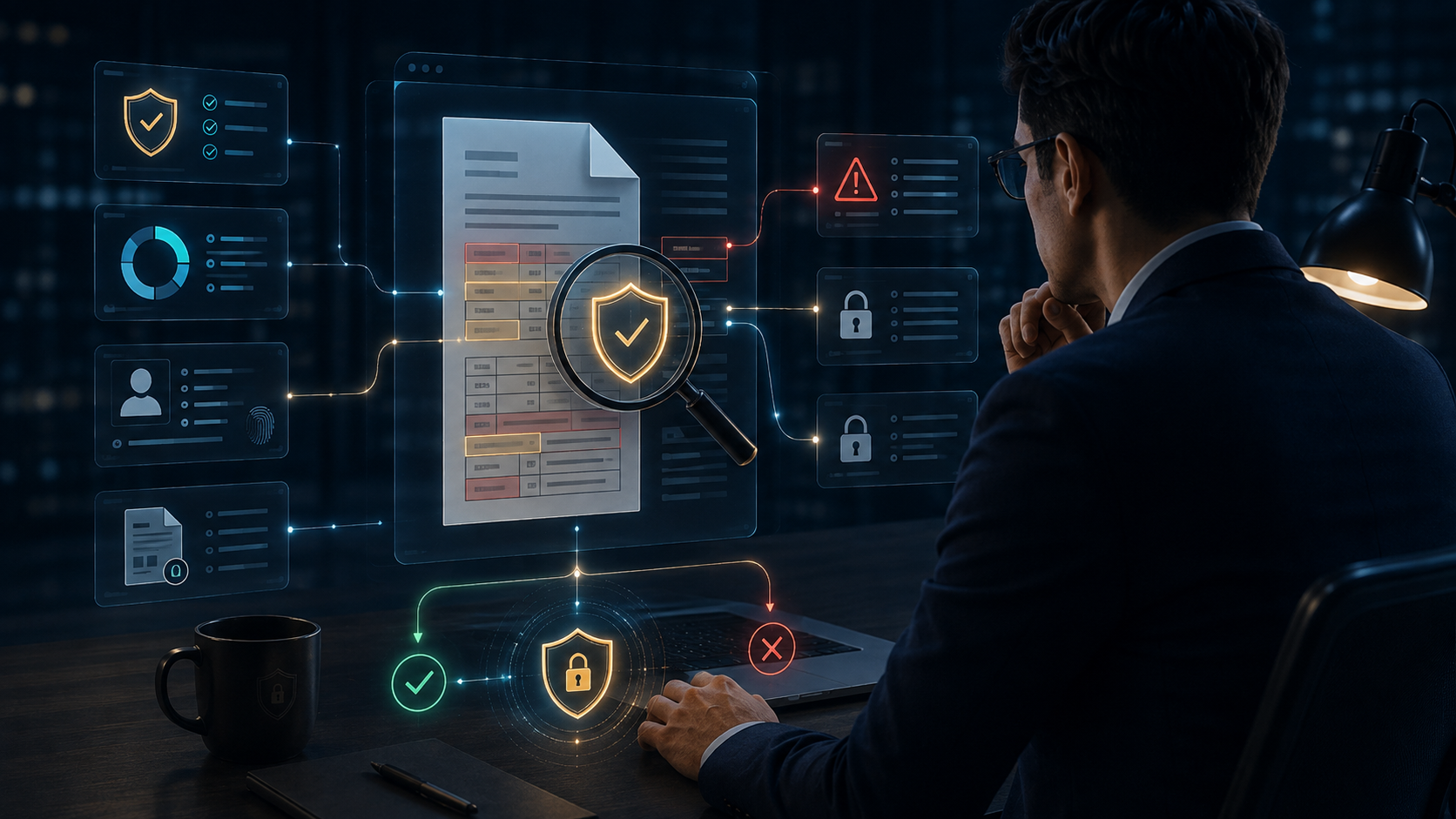
裝置與生命週期按下檢查,讓文件真正走到出口閘門;DVC 會檢查內容、目的地與政策,再決定是否放行。
內容辨識與風險把 X7 文件放入 AI 上傳區,再手動掃描。DVC 會標出敏感資訊,最後由政策阻止離開企業。
內容辨識與風險先選擇核准入口或未知網站,再按上傳。DVC 不會粗暴封鎖所有 Web,而是依目的地政策判斷。
內容辨識與風險切換企業信箱與私人 Gmail,再按「掃描並寄出」。同一封郵件會得到不同政策結果。
內容辨識與風險點擊附件,把 X7 原始碼送進聊天視窗,再按 DLP 檢查。畫面會呈現真正的傳送前攔截。
內容辨識與風險先把 X7 文件送往 USB,再按 DLP 檢查。你會看到檔案停在閘門上,政策判斷後才決定是否離開。
內容辨識與風險這一版把 37 改回 DLP 主視覺:深黑、銅橘、琥珀與風險紅。先選目的地,再手動送出 X7 機密文件;DVC 會在真正離開企業前判斷是否放行。
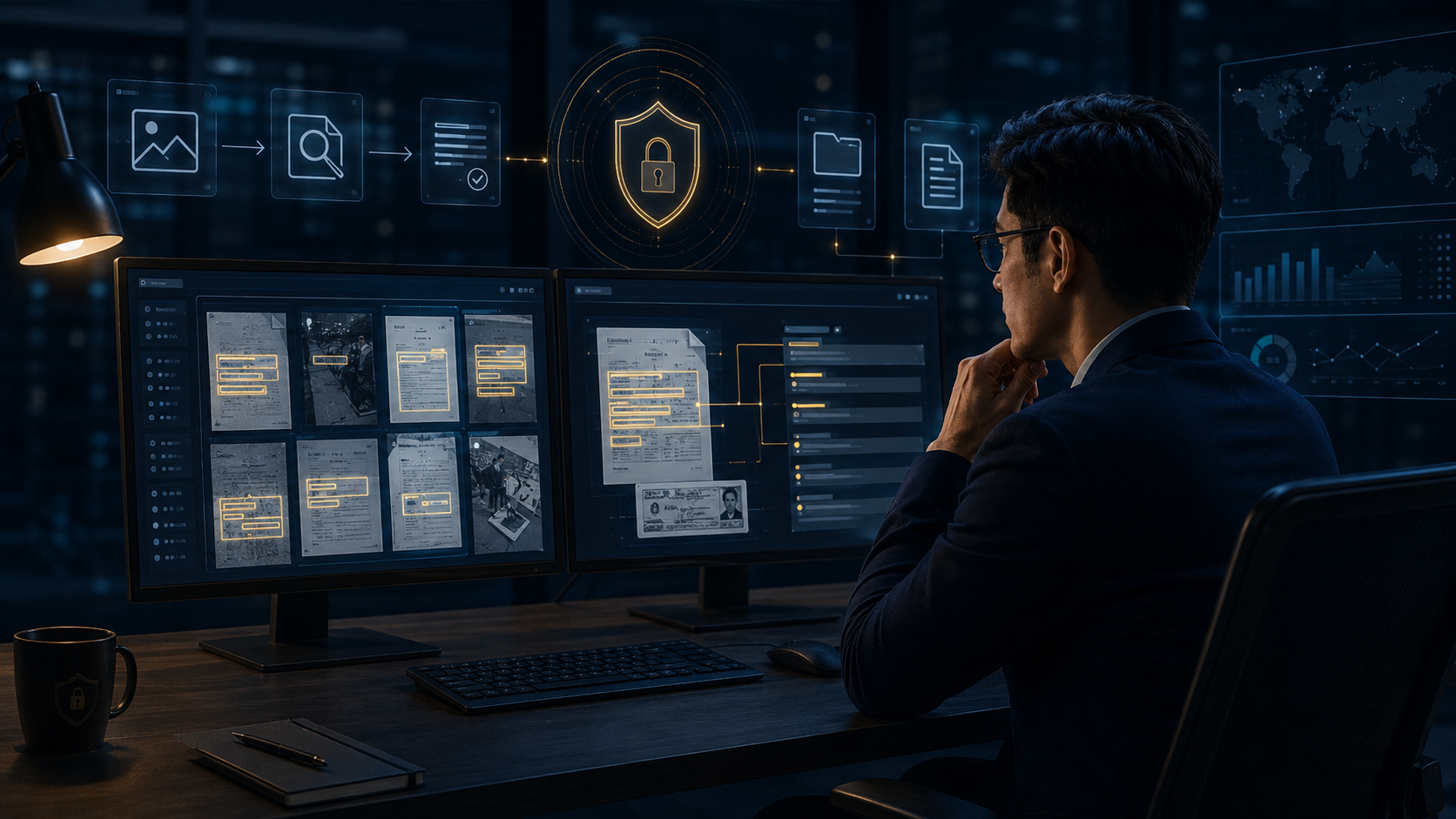
內容辨識與風險按下 OCR 掃描,掃描線會穿過整張截圖,並把真正命中的敏感內容標出來。
內容辨識與風險點一個雷達節點,再按分類。DVC 會用不同的資料類型標記文件,讓後續政策不是只看副檔名。
內容辨識與風險選一張高風險卡片,再按調查。Risk Center 會展開來源、行為與建議處置。
內容辨識與風險用「下一步」手動播放同一位使用者的行為軌跡。每個事件都會累積 Risk Score,讓主管看懂風險是怎麼形成的。
平台、KSI 與 Connect選部門,再按深入分析。Dashboard 會切換該部門的高風險事件、阻擋數與待處理項目。
平台、KSI 與 Connect點選一個資訊來源,再按 AI 分析。KSI 會把該訊號與其他事件關聯,產生可讀的風險洞察。
平台、KSI 與 Connect先選外部文件權限,再按安全交付。供應商可以工作,但期限、次數與撤銷權仍由企業掌握。
平台、KSI 與 Connect手動切換 Encryption、DLP、Connect、KSI 與 Platform。
平台、KSI 與 Connect點區域查看 DVC 的市場與服務版圖。
平台、KSI 與 Connect文件加密、權限與持續控制。
平台、KSI 與 Connect手動點亮四個核心,完成 DVC 文件安全盾牌。
平台、KSI 與 Connect文件開啟、預覽、列印時自動加入使用者、時間、IP、公司、檔名等識別資訊,降低截圖、拍照與紙本外流風險。
進階專業能力重要文件依排程或異動自動備份,可支援首次完整備份與後續增量備份,降低誤刪、硬碟故障及勒索事件造成的資料損失。
進階專業能力管理網站瀏覽、檔案上傳與高風險網路行為,掌握使用者是否將企業資料傳送至未授權網站、雲端或 AI 平台。
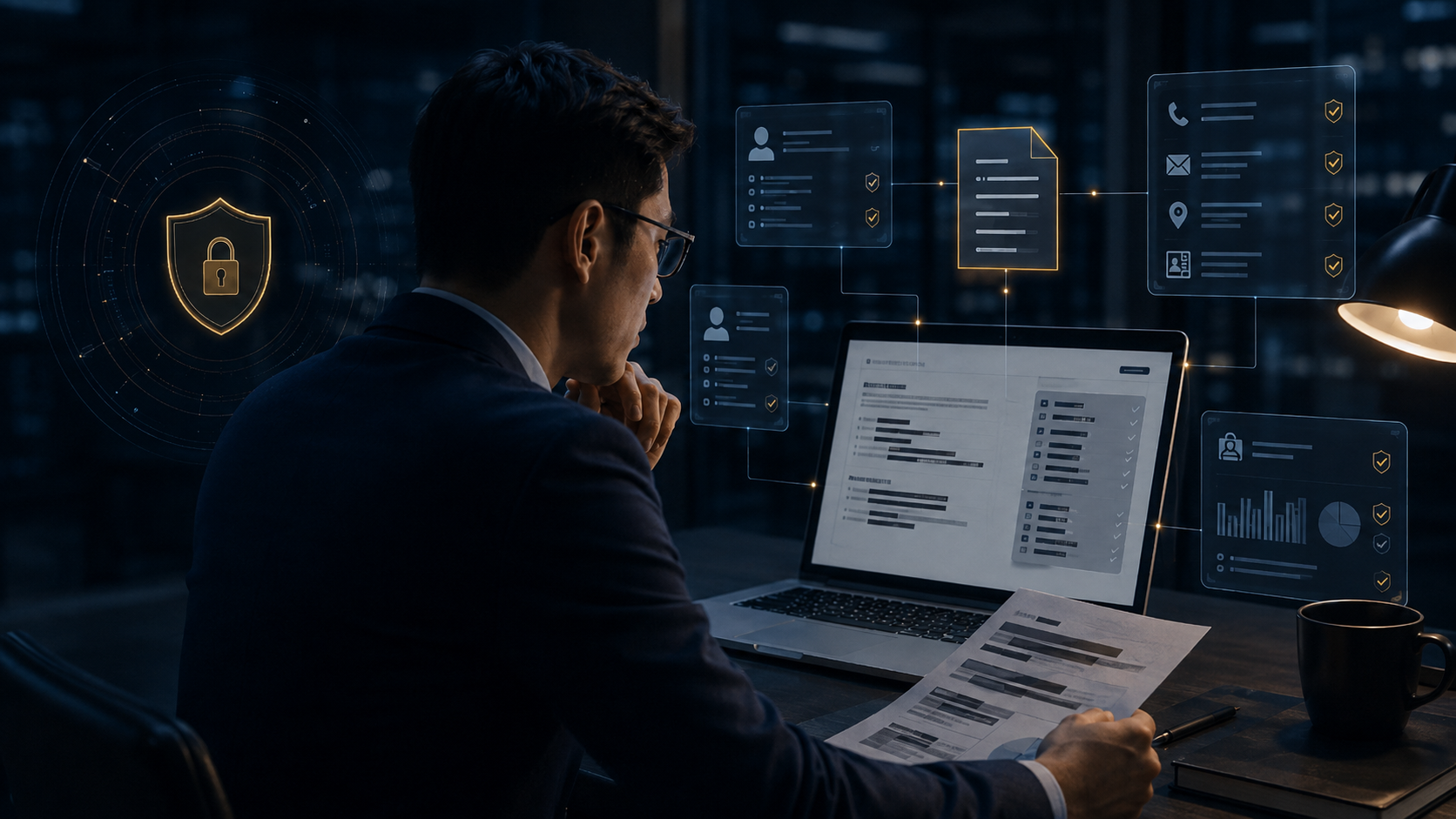
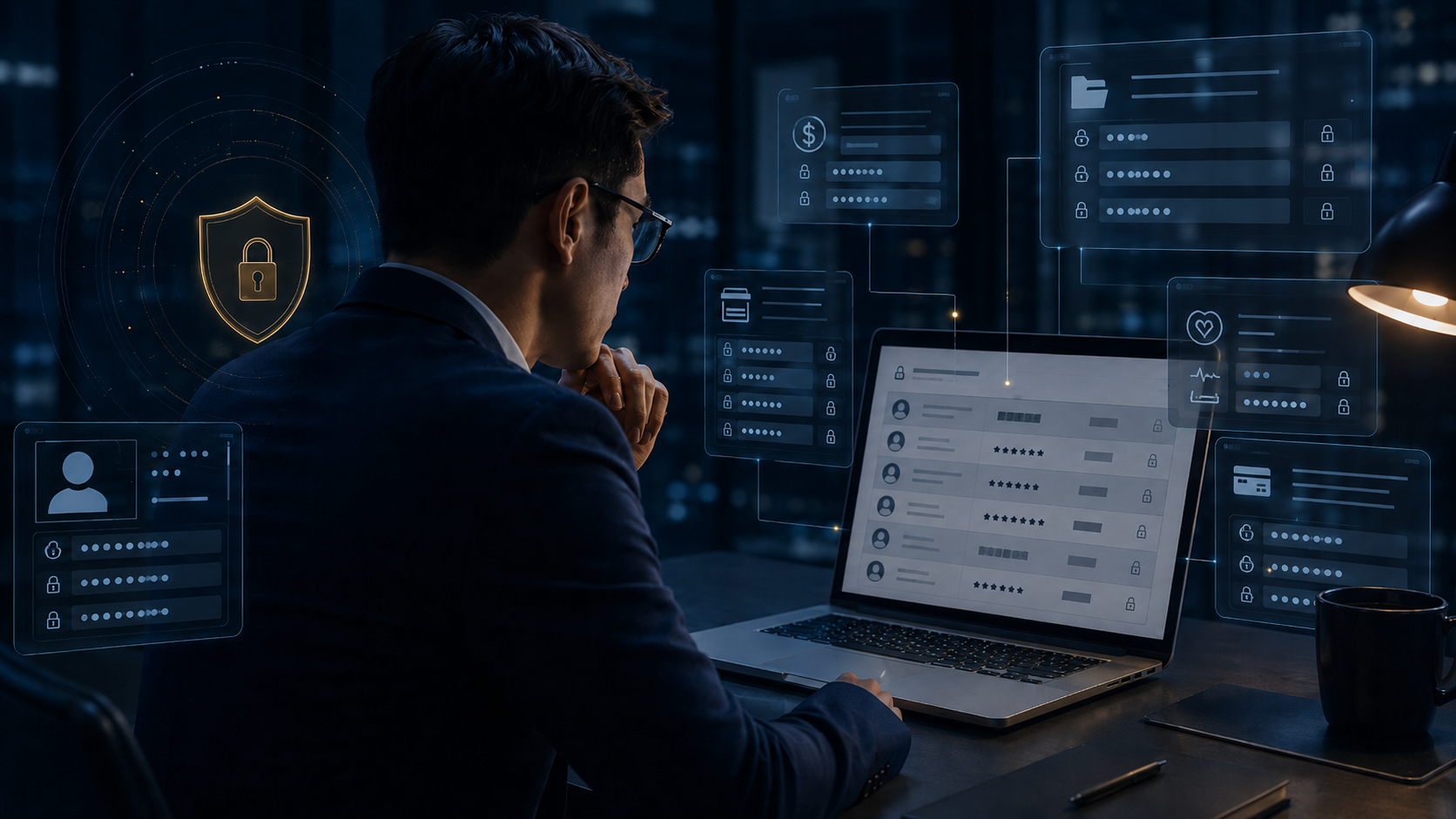
進階專業能力文件對外傳送前,自動辨識姓名、電話、身分證號、Email、地址等個資並遮罩,降低人工作業遺漏。
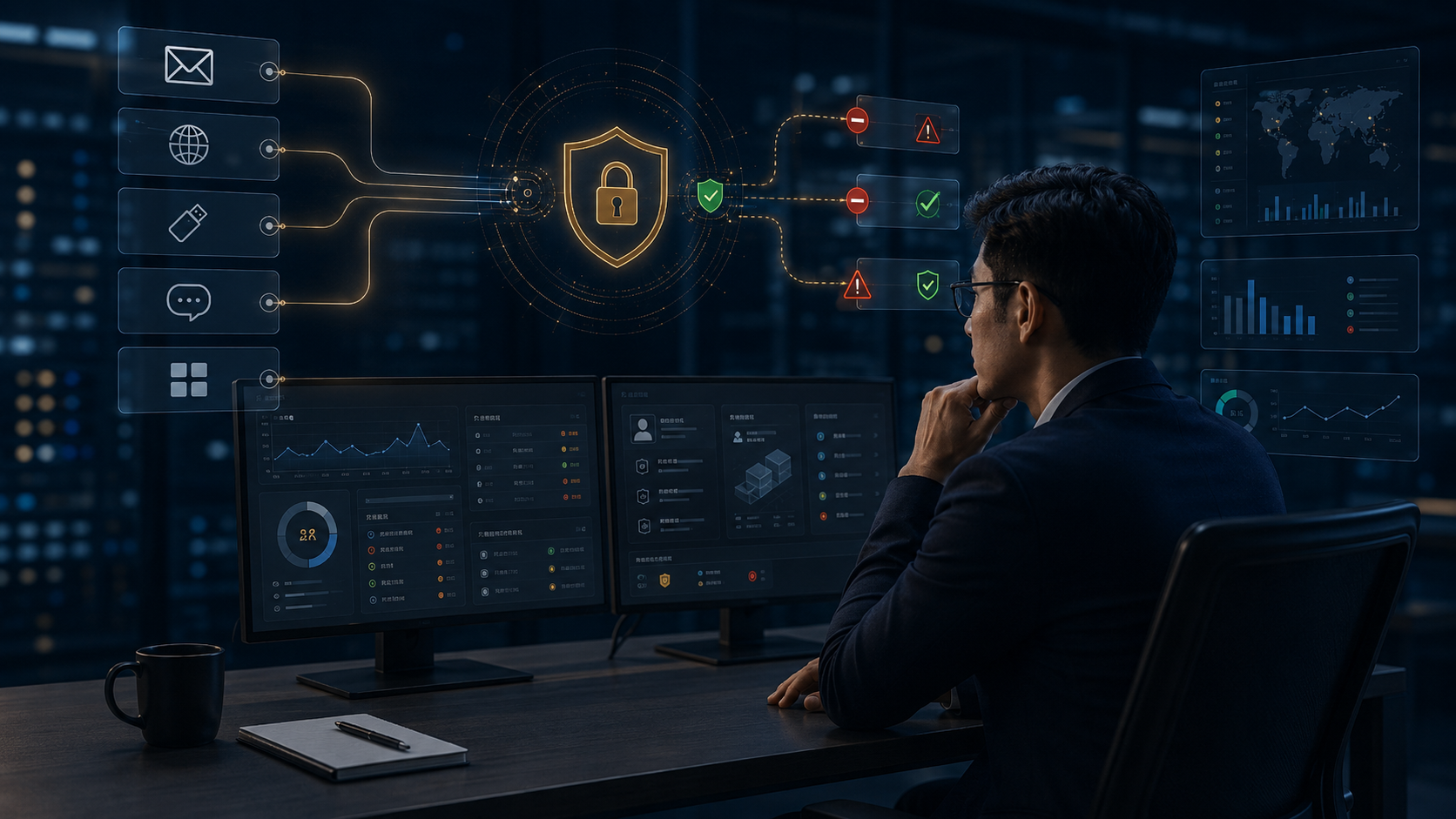
進階專業能力從 Email、瀏覽器、USB、即時通訊與應用程式等外傳路徑進行資料內容判斷與政策阻擋。
進階專業能力文件若命中機密關鍵字,可先自動建立證據副本與備份,再執行警告、阻擋或隔離。
進階專業能力掃描發現機密內容後,文件可立即轉為 DVC 受控加密狀態,避免敏感文件持續以明文存在。
進階專業能力對 JPG、PNG、掃描文件與截圖中的文字執行 OCR 分析,即使沒有可搜尋文字層,也能辨識敏感資訊。
進階專業能力圖片命中專案名稱、客戶名稱、料號、技術參數等關鍵字時,可直接禁止上傳或外傳。
進階專業能力不只判斷副檔名,直接分析 PDF 內文字內容,發現機密詞彙、客戶資料與敏感技術資訊。
進階專業能力對 CAD / DWG 圖面中的標題、註解、圖框、專案名稱與料號進行內容判斷,保護工程設計智慧財產。
進階專業能力Word、Excel、PowerPoint、PDF、CAD、圖片等不同格式使用同一套資料安全政策。
進階專業能力記錄誰、什麼時間、使用哪台裝置、對哪份文件執行開啟、複製、上傳、外傳或阻擋。
進階專業能力企業文件準備上傳 ChatGPT、Gemini、Copilot、雲端硬碟或其他 SaaS 時先進行內容檢查。
進階專業能力同一套規則可依風險執行「允許、警告、備份、加密、隔離、阻擋、通知」,把人工判斷變成自動化安全流程。
進階專業能力When confidential content is dragged into Word, a browser, or another app, DVC can keep viewing available while blocking cross-application transfer.
Rights & Usage ControlsWhen a screenshot is attempted, DVC protects the actual engineering content instead of handing sensitive pixels to the capture flow.
Rights & Usage ControlsUser, IP, time, and company information appear directly in the viewing experience. Switch between an internal user and an external supplier.
Rights & Usage ControlsThe file remains protected after leaving the company drive. Copy it to USB, then try opening it on an unauthorized computer.
Rights & Usage ControlsThe cloud is only a storage location. DVC protection and permissions stay attached to the file, and only approved identities can obtain plaintext.
Rights & Usage ControlsThe transfer channel can change, but document permissions do not. After the X7 confidential quote is sent to personal email, an unauthorized identity still cannot obtain plaintext.
Device & LifecycleThe file can be used during the permitted offline window. After the policy expires, decryption stops even with no network connection.
Device & LifecycleIf the device falls into someone else’s hands, the drive still contains only protected files. Simulate theft to see what an unauthorized user gets.
Device & LifecycleEven if an attacker bypasses Windows and the original device and reads the drive directly, DVC protection remains.
Device & LifecycleWhen a project ends, a file is sent to the wrong person, or a supplier relationship ends, you do not need to ask them to delete the file. Revoke access and the next open attempt fails immediately.
Device & LifecycleSimulate sending the PHOENIX quote to the wrong supplier, then revoke it. The file may remain on their computer, but plaintext access ends immediately.
Device & LifecycleDo not delete files one by one—remove the identity permission. Disable the account, then try opening previously obtained R&D files.
Device & LifecycleEnd the entire PHOENIX project authorization in one action instead of manually recovering each file.
Device & LifecycleSwitch identities, then open the CAD file. The same DWG produces completely different results for an internal engineer and an unauthorized contractor.
Device & LifecycleDifferent formats share the same encryption, rights, watermark, and audit core.
Device & LifecycleRun the check and send the file to the actual exit gate. DVC evaluates content, destination, and policy before allowing it out.
Content Intelligence & RiskPlace the X7 file in the AI upload zone and scan it. DVC identifies sensitive information, then policy prevents it from leaving the enterprise.
Content Intelligence & RiskChoose an approved destination or an unknown website, then upload. DVC does not blindly block the web; it evaluates destination policy.
Content Intelligence & RiskSwitch between corporate email and personal Gmail, then scan and send. The same email receives different policy outcomes.
Content Intelligence & RiskAttach the X7 source code to the chat window, then run the DLP check. The flow shows real pre-send interception.
Content Intelligence & RiskSend the X7 file toward USB, then run the DLP check. The file stops at the gate until policy decides whether it may leave.
Content Intelligence & RiskChoose a destination, then send the X7 confidential file. DVC evaluates the transfer before the data actually leaves the enterprise.
Content Intelligence & RiskRun OCR scan. The scan line crosses the screenshot and highlights the sensitive content it detects.
Content Intelligence & RiskSelect a radar node, then classify it. DVC labels files by data type so policy is based on content—not only file extensions.
Content Intelligence & RiskSelect a high-risk card and investigate. Risk Center expands the source, behavior, and recommended response.
Content Intelligence & RiskUse Next to replay one user’s behavior trail. Each event adds to the Risk Score so managers can see how the risk develops.
Platform, KSI & ConnectSelect a department and drill down. The dashboard switches to that department’s high-risk events, blocks, and pending actions.
Platform, KSI & ConnectSelect a signal and run AI analysis. KSI correlates it with other events and produces readable risk insight.
Platform, KSI & ConnectSuppliers can work while expiration, open count, watermarking, and revocation remain under enterprise control.
Platform, KSI & ConnectMove through Encryption, DLP, Connect, KSI, and Platform.
Platform, KSI & ConnectSelect a region to view DVC markets and service coverage.
Platform, KSI & ConnectEncryption, rights, persistent control, DLP, Connect, and KSI work as one family.
Platform, KSI & ConnectRapid diagnostics, deployment, integration, and enterprise support.
Platform, KSI & ConnectValidate platform stability and continuous security research.
Platform, KSI & ConnectActivate the four core pillars to complete the DVC document-security platform.
Platform, KSI & ConnectAutomatically applies user, time, IP, company, and filename identifiers when a document is opened, previewed, or printed, reducing screenshot, camera, and paper leakage risk.
Advanced CapabilitiesAutomatically backs up important files on schedule or change, with an initial full backup and later incremental backups to reduce loss from deletion, hardware failure, or ransomware.
Advanced CapabilitiesControls browsing, file uploads, and high-risk web activity, revealing attempts to send company data to unauthorized websites, cloud services, or AI platforms.
Advanced CapabilitiesDetects and masks names, phone numbers, national IDs, email addresses, and physical addresses before documents are shared externally.
Advanced CapabilitiesInspects content across email, browsers, USB, messaging applications, and business software, then applies policy-based blocking.
Advanced CapabilitiesCreates an evidence copy and backup when confidential keywords are detected, before warning, blocking, or quarantining the event.
Advanced CapabilitiesImmediately converts files containing sensitive information into DVC-controlled encrypted documents so they do not remain as plaintext.
Advanced CapabilitiesAnalyzes text in JPG, PNG, scanned documents, and screenshots, even when no searchable text layer exists.
Advanced CapabilitiesBlocks image uploads or transfers when project names, customer names, part numbers, or technical parameters are detected.
Advanced CapabilitiesAnalyzes actual PDF text rather than relying on the extension, identifying confidential terms, customer data, and sensitive technical information.
Advanced CapabilitiesAnalyzes titles, annotations, title blocks, project names, and part numbers in CAD and DWG drawings to protect engineering intellectual property.
Advanced CapabilitiesApplies one data-security policy across Word, Excel, PowerPoint, PDF, CAD, images, and other document formats.
Advanced CapabilitiesRecords who performed each open, copy, upload, transfer, or blocked action, including time, device, and document.
Advanced CapabilitiesInspects company documents before upload to ChatGPT, Gemini, Copilot, cloud drives, or other SaaS platforms.
Advanced CapabilitiesUses one policy to allow, warn, back up, encrypt, quarantine, block, or notify according to risk, turning manual judgment into an automated workflow.
Advanced Capabilities