DVC · DOCUMENT SECURITY PLATFORM

保護每一份文件。
掌控每一次流動。

文件走到哪裡,身分、權限、政策與稽核就跟到哪裡。

01 · 品牌承諾

文件可以流動。
控制權仍在企業。

DVC 將安全邊界從網路與裝置延伸到文件本身。

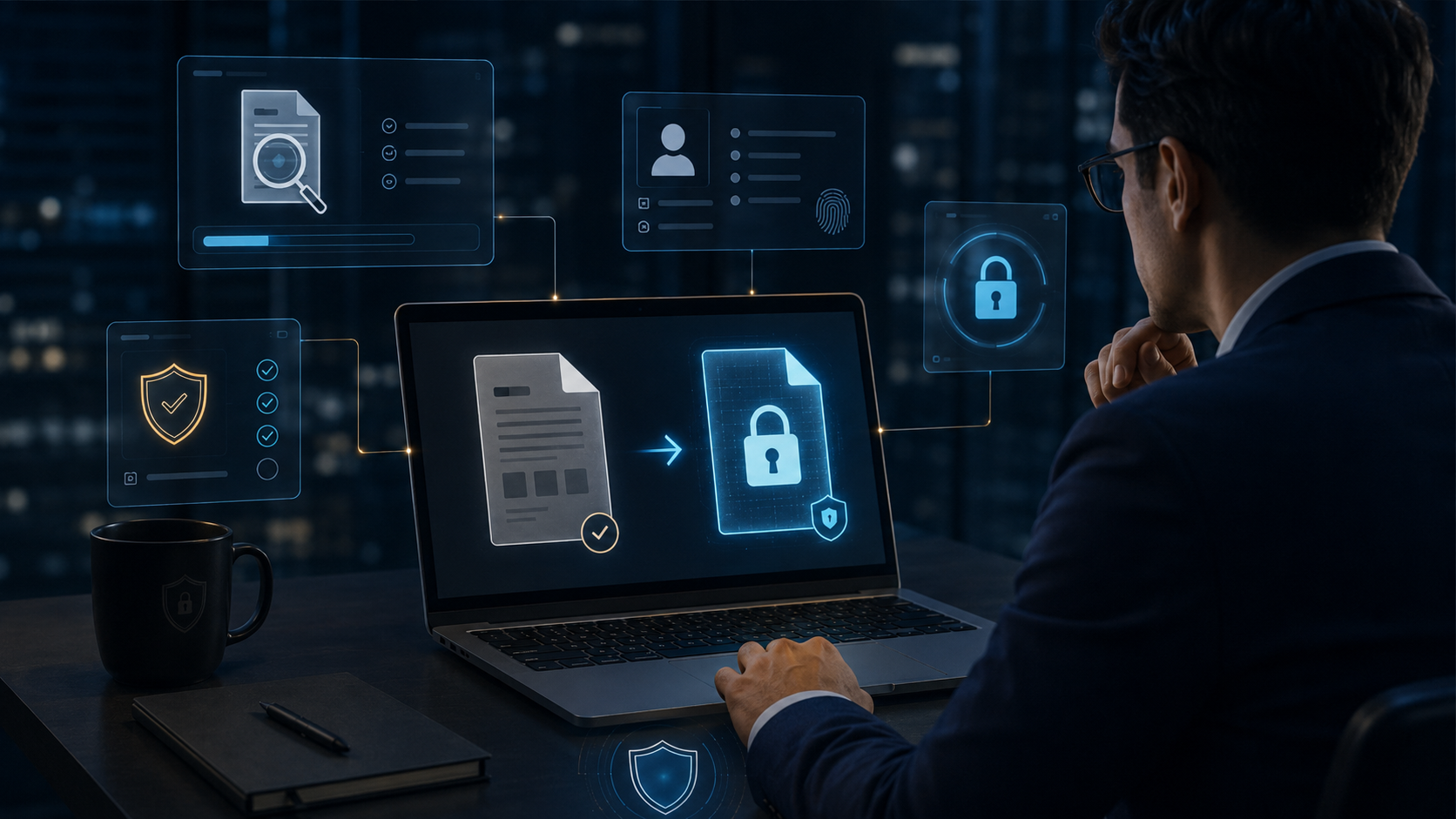
持續文件保護保護跟著文件
集中政策控管身分 · 權限 · 政策
完整稽核軌跡每次流動都可追蹤
02 · DVC 品牌影片

不只是圖片輪播。
這是一段真實安全故事。

原始人聲 · 點擊開啟聲音
文件流動,控制權不離開。
影片將靜音自動播放,點擊即可開啟聲音。
03 · 企業信任 · 互動展示

四大核心,直接看 DVC 如何運作。

點選每個核心,切換下方安全場景。

📄🔒

文件本身就是控制點

無論複製、移動、寄送或分享,DVC 保護都持續跟著文件。

04 · 為什麼傳統資安還不夠 · 互動展示

選擇一條外傳路徑。
看文件離開企業後會發生什麼。

傳統資安守住企業內部,DVC 繼續保護已離開邊界的文件。

企業內部

Firewall · VPN · Endpoint · Identity

X7 R&D
CONFIDENTIAL
🔒

外寄 Email

文件離開網路,DVC 權限仍然有效。

DVC:身分 → 權限 → 稽核 → 控制
05 · 文件就是新的安全邊界

文件本身
就是新的安全邊界。

將文件移到企業外部,觀察 DVC 保護如何持續跟隨。

🔒
CONFIDENTIAL

X7 研發設計文件

CAD · BOM · REV C
企業外部

Email · Cloud · AI · Supplier

DVC · DOCUMENT SECURITY PLATFORM

Protect every document.
Control every move.

Security that stays with the file—identity, rights, policy, and audit included.

01 · BRAND PROMISE

Files can move.
Control stays.

DVC extends security from the network to the file itself.

Persistent File ProtectionPROTECTION FOLLOWS THE FILE
Central Policy ControlIDENTITY · RIGHTS · POLICY
Complete Audit TrailTRACE EVERY MOVE
02 · DVC BRAND FILM

Not a slideshow.
A real security story.

Original voice · Click to enable sound
THE FILE MOVES. CONTROL STAYS.
Autoplay starts muted. Click the video for sound.
03 · ENTERPRISE TRUST · INTERACTIVE

Four pillars. See DVC in action.

Click each pillar to see how DVC works.

📄🔒

The file is the control point

Copy, move, email, or share it—DVC protection stays with the file.

04 · WHY TRADITIONAL SECURITY IS NOT ENOUGH · INTERACTIVE

Choose a path.
See what happens outside.

Traditional security guards the inside. DVC protects the file outside.

Inside the Enterprise

Firewall · VPN · Endpoint · Identity

X7 R&D
CONFIDENTIAL
🔒

Outbound Email

The file leaves the network. DVC rights remain.

DVC: Identity → Rights → Audit → Control
05 · THE FILE IS THE NEW SECURITY BOUNDARY

The file itself
is the new security boundary.

Move the file outside and watch DVC protection stay with it.

🔒
CONFIDENTIAL

X7 R&D Design File

CAD · BOM · REV C
EXTERNAL WORLD

Email · Cloud · AI · Supplier

top of page

版權宣告

版權所有


以下的條款和條件從法律上在您訪問本網站時對您進行約束。如果您不同意下面列出的條件,請不要使用本網站或任何包含在本網站中的內容。如果您使用了本網站即表示您同意下列的各項條款。

一般限制


本網站中提供的所有訊息、文件、產品和服務、商標、標識、圖形以及圖片(素材)均屬於統睿科技有限公司(以下簡稱「統睿」)所擁有。任何形式的未經授權而使用本網站訊息的行為將違反版權法、商標法以及隱私法。

統睿同意您僅能由予個人目的在個人電腦上顯示本網站。沒有統睿的書面允許,您不能因為其他的任何目的使用本網站。您同意不向任何人,包括公司及組織復制、分發、出版和廣播包含在本網站中的任何內容。您不可以在新聞組、郵件組或公告欄里張貼本網站的內容。您認同您沒有權利以任何方式修改、編輯、改變或增加任何素材。在不事先通知您的情況下,本限制條款自動生效。依據限制條款,您同意立即銷毀任何打印或下載的素材。

您同意,在未經統睿或統睿授權者書面允許的情況下不會將本網站包含的任何內容或第三方資料鏡像到任何其他的伺服器或網路設備上。

本網站可以被鏈接到WWW或Internet 上不被統睿控制和維護的網站。您認同統睿提供這些鏈接僅是為您提供方便,統睿對這些網站的內容不負有責任。

本網站的某些區域用密碼保護(限制區域)。如果您是這些限制區域的授權用戶,您同意您有責任保証您的密碼和帳號的機密性,並同意,如果您的密碼丟失、被盜或被未授權的第三方破譯,您將立即通知統睿。您同意對您所擁有的帳號發生的任何行為完全負責,包括由密碼保護下的帳號發生的任何費用,無論費用是否是您的個體行為。您同意,如果發生任何未授權使用您的帳號的行為,您將立即通知統睿。您認可本網站可以包含一定的影響內容質量的不精確或排版錯誤。您認可素材或任何第三方內容沒有被統睿獨立核實或整體或部分的授權。並同意統睿不擔保素材或第三方內容精確或合時。您進一步同意統睿對任何素材和第三方內容的冗長不負責任。

責任限制


為了最大化擴展可使用的法律,統睿不對由予顯示、拷貝或下載本網站訊息而遭受的任何破壞和損失負責。統睿不對任何間接的、特別的、可效仿的、懲罰性的、偶然的或相應產生的破壞負責(包括數據丟失、稅收或其他經濟利益)。

當地法律


統睿在台灣控制和運作本網站,統睿不擔保本網站的內容在國際區域內使用有效。如果您在台灣以外的地點使用本網站,您有責任在順從當地的法律的情況下使用本網站的內容。

本網站的違背條款


如果您違背本網站的條款,統睿保留在事先通知或解釋的情況下對您終止服務的權利。統睿首選的方式是勸告您的不合適的行為並建議您改正您的行為。然而,公然違背本條款,將導致統睿立即停止對您的服務。

您同意統睿以及統睿授權者可以在事先未聲明的情況下提高並/或改變本網站的服務以及價格,並進一步同意統睿可以在未聲明的情況下修訂這些條款。您的繼續使用本網站本認為您已接受了這些改變。

商標


"TRCORE",TRcore.com.tw 以及"DVC"是統睿於台灣的商標。未經授權而使用這些標識是被法律禁止的行為。

logo.png

統睿科技有限公司

Secure the File. Secure the Future.

電話:

​公司電話:+886-2-22866668

​業務電話:+886-937-272-140

業務洽詢

技術洽詢

6226262626.png
bottom of page
51 · TRUSTED BY ENTERPRISE

為不能外洩的企業文件而設計。

首頁走到這裡,不再只是功能展示,而是讓客戶感受到 DVC 面向真正企業環境:研發、半導體、金融、政府、科技與全球供應鏈。

選擇產業情境

Manufacturing

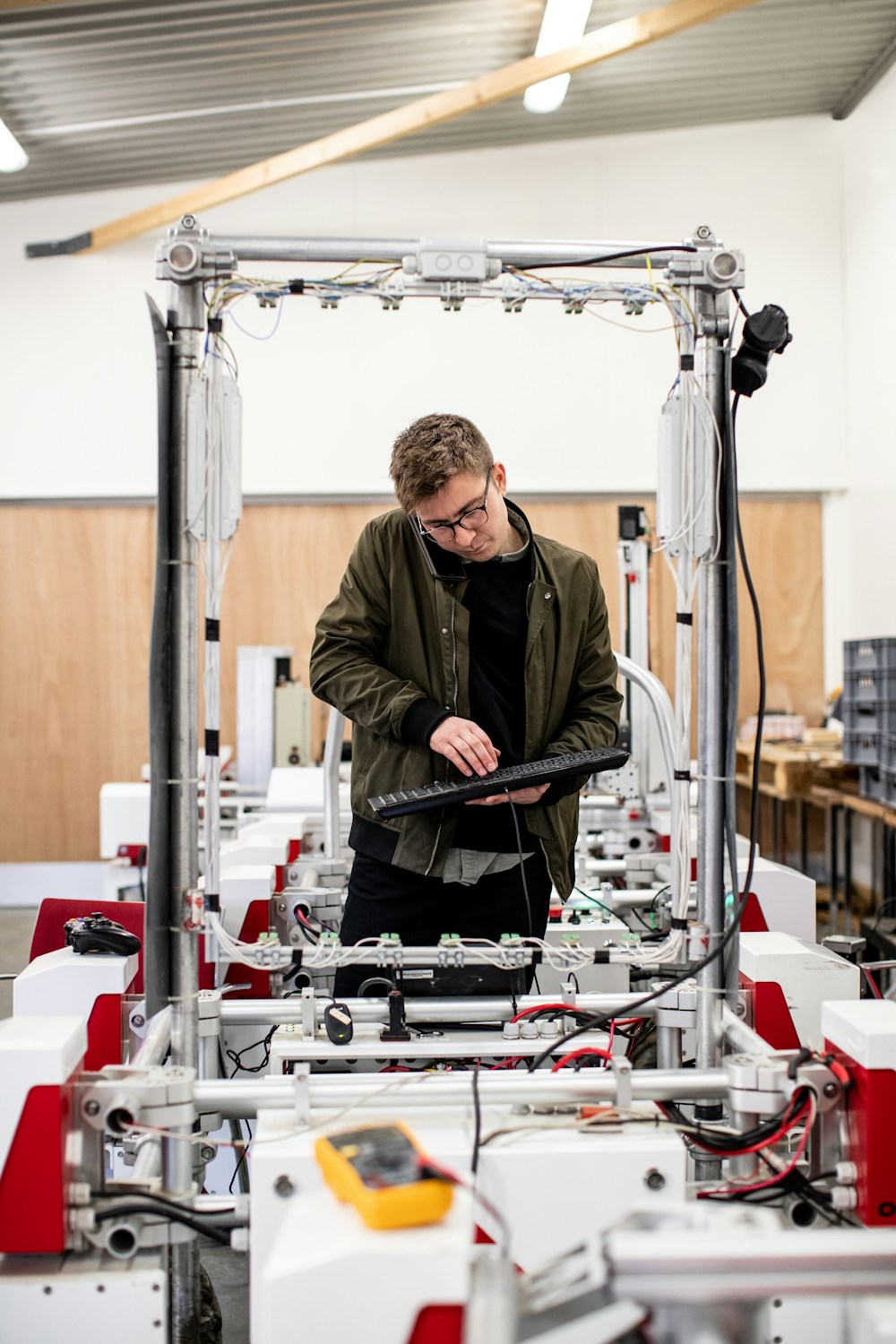
工程圖、BOM、製程文件與供應商協作必須持續受控。

Enterprise Security · DVC
52 · REAL SECURITY SCENARIOS

真實威脅。真實文件。真實保護。

改用大型照片與情境切換,讓訪客感受到 DVC 在企業裡真正會發生在哪裡,而不是再看一張功能清單。

R&D Innovation
R&D Innovation核心技術與智慧財產
Corporate Management策略與敏感商務文件
Global Supply Chain安全外部協作
R&D Innovation

設計圖、專利、BOM 與研發成果在團隊內外流動時仍持續加密與受控。

53 · DEPLOYMENT AT SCALE

從數十台,到企業級大量端點。

這一章強調 DVC 不是單機工具,而是中央政策、端點部署、稽核與持續保護的企業架構。按下按鈕可逐步點亮部署流程。

200K+Endpoint-scale capability
ADCentral deployment
24×7Protection lifecycle
1Unified policy plane
01 · DeployEndpoint rollout
02 · EnforceCentral policy
03 · MonitorAudit & visibility
04 · ProtectContinuous control
One Platform · Centralized Control
54 · SECURITY ARCHITECTURE

完整企業文件安全架構。

把 Endpoint、Encryption、DLP、Connect、KSI 與 Management Console 放進同一張世界級架構圖。點任一層即可查看它在 DVC 平台裡的角色。

Encryption · DLP · Connect · KSI
EndpointSource
EncryptionProtect
DLPInspect
ConnectCollaborate
KSIIntelligence
ConsoleControl

Endpoint

在文件建立與使用的源頭套用保護與活動監控。

55 · ENGINEERED IN TAIWAN

核心研發在台灣。
問題直接走進工程團隊。

安全產品真正的差異,不只在功能表,而在遇到企業特殊環境時,能不能快速分析、修改、測試與交付。

Local R&DTaiwan engineering
Fast CustomizationEnterprise fit
Security ResearchNew risk paths
Direct SupportEngineering response
Local R&D

核心產品與企業需求由台灣研發直接處理,縮短問題與工程團隊之間的距離。

BUILD → TEST → DEPLOY → VERIFY → IMPROVE
56 · CUSTOMER SUCCESS

不是 Demo。是企業真正會遇到的問題。

以匿名案例方式呈現不同大型組織的需求、DVC 解法與最後得到的控制能力。

Global Manufacturer

跨廠區工程圖與供應商協作:文件離開內網後仍加密、可撤銷、可稽核。

01Unified policy
24×7Continuous control
360°Audit visibility
1-clickRevoke access
57 · WHY DVC NOW

AI changed how data leaves.
DVC changes how enterprises protect it.

過去資料外洩可能經由 USB 或 Email;現在一個拖拉、一張截圖、一個 AI Upload 就可能讓機密離開。DVC 把文件加密、DLP 與 AI Security Intelligence 放在同一條防線上。

58 · GLOBAL DELIVERY

台灣研發。全球交付。

點選不同區域,查看 DVC 面向跨國企業部署時的服務重點。

North America
Europe
Japan / APAC
Southeast Asia
Middle East
REGIONAL DELIVERY

北美:企業端點、研發文件與跨供應鏈資料治理。

59 · BUILT FOR TRUST

企業選安全平台,最後選的是信任。

用四個最重要的承諾收斂整個首頁:自主研發、企業級架構、完整稽核、持續服務。

Taiwan R&D核心研發與快速工程支援
Enterprise Scale集中管理與大量端點設計
Audit Ready完整事件與文件使用證據
Continuous Evolution因應新型資料風險持續演進
60 · START WITH DVC

Protect the document.
Control the journey.

從文件加密、DLP、外部協作到 AI Security Intelligence,讓 DVC 團隊直接用你的企業情境做一次完整展示。

51 · TRUSTED BY ENTERPRISE

Designed for enterprise documents that cannot leak.

DVC is built for real enterprise environments: R&D, semiconductors, finance, government, technology, and global supply chains.

Choose an industry scenario

Manufacturing

Engineering drawings, BOMs, process files, and supplier collaboration must remain controlled.

Enterprise Security · DVC
52 · REAL SECURITY SCENARIOS

Real threats. Real documents. Real protection.

Enterprise-scale imagery shows where DVC really operates—not another feature checklist.

R&D Innovation
R&D InnovationCore technology & intellectual property
Corporate ManagementStrategy & sensitive business documents
Global Supply ChainSecure external collaboration
R&D Innovation

Designs, patents, BOMs, and R&D results remain encrypted and controlled wherever they move.

53 · DEPLOYMENT AT SCALE

From dozens of devices to enterprise-scale endpoints.

DVC is an enterprise architecture for centralized policy, endpoint deployment, audit, and persistent protection.

200K+Endpoint-scale capability
ADCentral deployment
24×7Protection lifecycle
1Unified policy plane
01 · DeployEndpoint rollout
02 · EnforceCentral policy
03 · MonitorAudit & visibility
04 · ProtectContinuous control
One Platform · Centralized Control
54 · SECURITY ARCHITECTURE

Complete enterprise document security architecture.

Endpoint, Encryption, DLP, Connect, KSI, and Management Console operate in one enterprise architecture. Select any layer to see its role.

Encryption · DLP · Connect · KSI
EndpointSource
EncryptionProtect
DLPInspect
ConnectCollaborate
KSIIntelligence
ConsoleControl

Endpoint

Apply protection and activity monitoring where files are created and used.

55 · ENGINEERED IN TAIWAN

Core R&D in Taiwan.
Issues go directly to engineering.

The real difference is how quickly a security platform can analyze, adapt, test, and deliver for unique enterprise environments.

Local R&DTaiwan engineering
Fast CustomizationEnterprise fit
Security ResearchNew risk paths
Direct SupportEngineering response
Local R&D

Core products and enterprise requirements are handled directly by Taiwan R&D.

BUILD → TEST → DEPLOY → VERIFY → IMPROVE
56 · CUSTOMER SUCCESS

Not a demo. Real enterprise problems.

Anonymous cases show enterprise needs, DVC solutions, and the resulting control.

Global Manufacturer

Cross-site engineering and supplier collaboration: files remain encrypted, revocable, and auditable outside the internal network.

01Unified policy
24×7Continuous control
360°Audit visibility
1-clickRevoke access
57 · WHY DVC NOW

AI changed how data leaves.
DVC changes how enterprises protect it.

Leakage once meant USB or email. Today a drag, screenshot, or AI upload can expose secrets. DVC unifies encryption, DLP, and AI Security Intelligence.

58 · GLOBAL DELIVERY

Taiwan R&D. Global delivery.

Select a region to see DVC priorities for multinational deployment.

North America
Europe
Japan / APAC
Southeast Asia
Middle East
REGIONAL DELIVERY

North America: endpoints, R&D files, and supply-chain data governance.

59 · BUILT FOR TRUST

Enterprises ultimately choose trust.

Four commitments define DVC: independent R&D, enterprise architecture, complete auditability, and continuous service.

Taiwan R&DCore R&D and rapid engineering support
Enterprise ScaleCentralized management and large-scale endpoint design
Audit ReadyComplete event and file-usage evidence
Continuous EvolutionContinuous evolution for emerging data risks
60 · START WITH DVC

Protect the document.
Control the journey.

From encryption and DLP to external collaboration and AI Security Intelligence, let DVC demonstrate the platform using your enterprise scenario.

DVC · 15 PROFESSIONAL SECURITY CAPABILITIES

15 項專業安全能力

同一套高清場景,同時服務中文與英文網站;照片本身無語言依賴,標題與說明由網站依語系呈現。

動態文件浮水印
01

動態文件浮水印

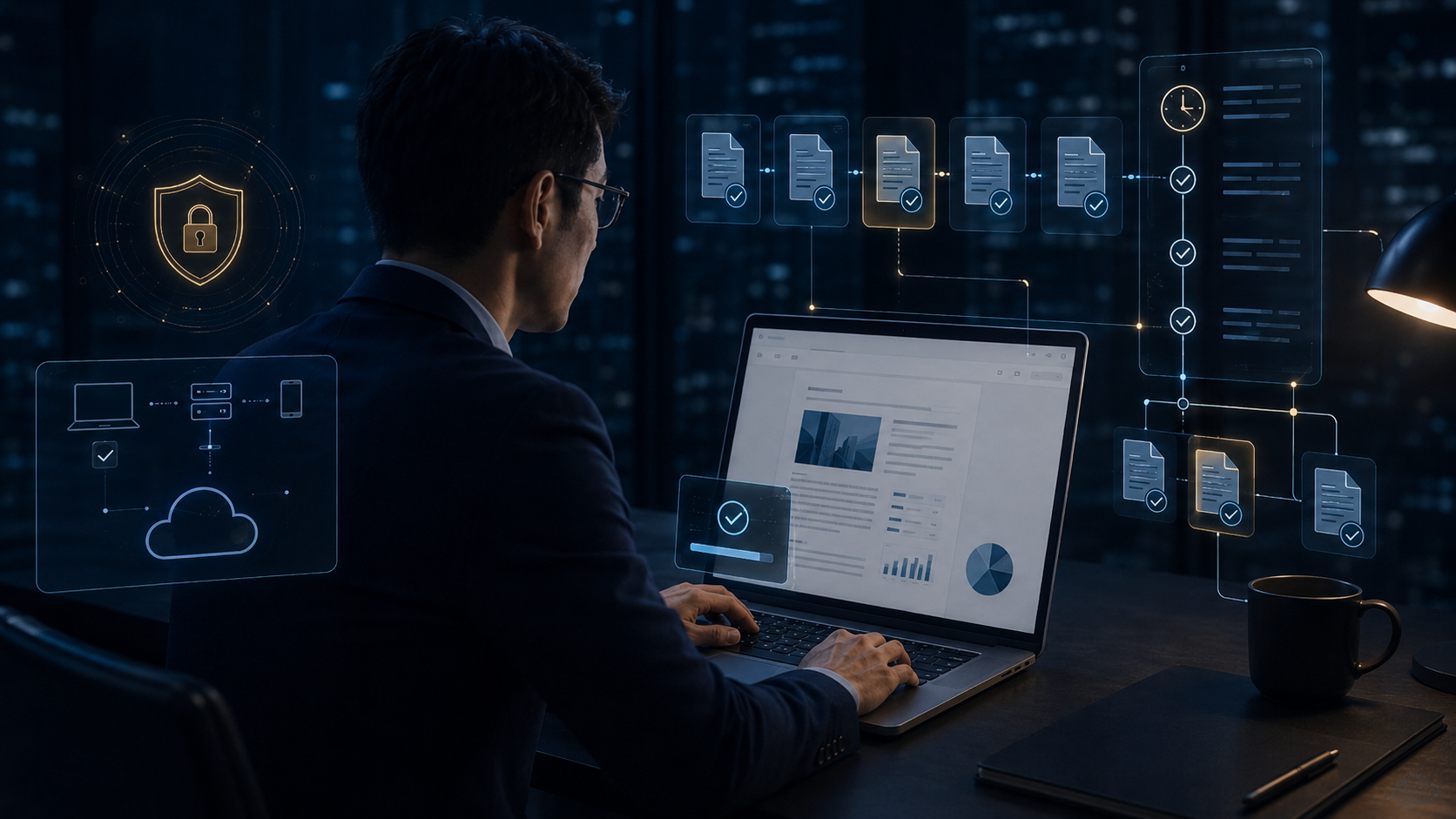
文件開啟、預覽、列印與線上閱讀時,自動加入使用者、時間、IP、公司、裝置與檔名等識別資訊,讓每一次閱讀都能追溯並降低截圖、拍照與紙本外流風險。

企業文件自動備份
02

企業文件自動備份

重要文件可依排程或異動自動備份,支援首次完整備份與後續增量備份,降低誤刪、硬碟故障、勒索事件與人為失誤造成的資料損失。

文件異動即時備份
03

文件異動即時備份

針對特定資料夾、關鍵文件或高風險檔案,在新增、修改、複製或移動時立即建立備份版本,強化關鍵文件保全與版本追蹤能力。

上網行為管理
04

上網行為管理

掌握網站瀏覽、下載、上傳與連線行為,辨識企業資料是否被傳送到未授權網站、雲端、社群或外部服務,建立完整的上網安全治理。

高風險網站與雲端上傳防護
05

高風險網站與雲端上傳防護

針對 AI 平台、雲端硬碟、外部 Webmail 與檔案分享網站進行風險判斷,文件上傳前可先掃描、告警或阻擋。

自動去識別化
06

自動去識別化

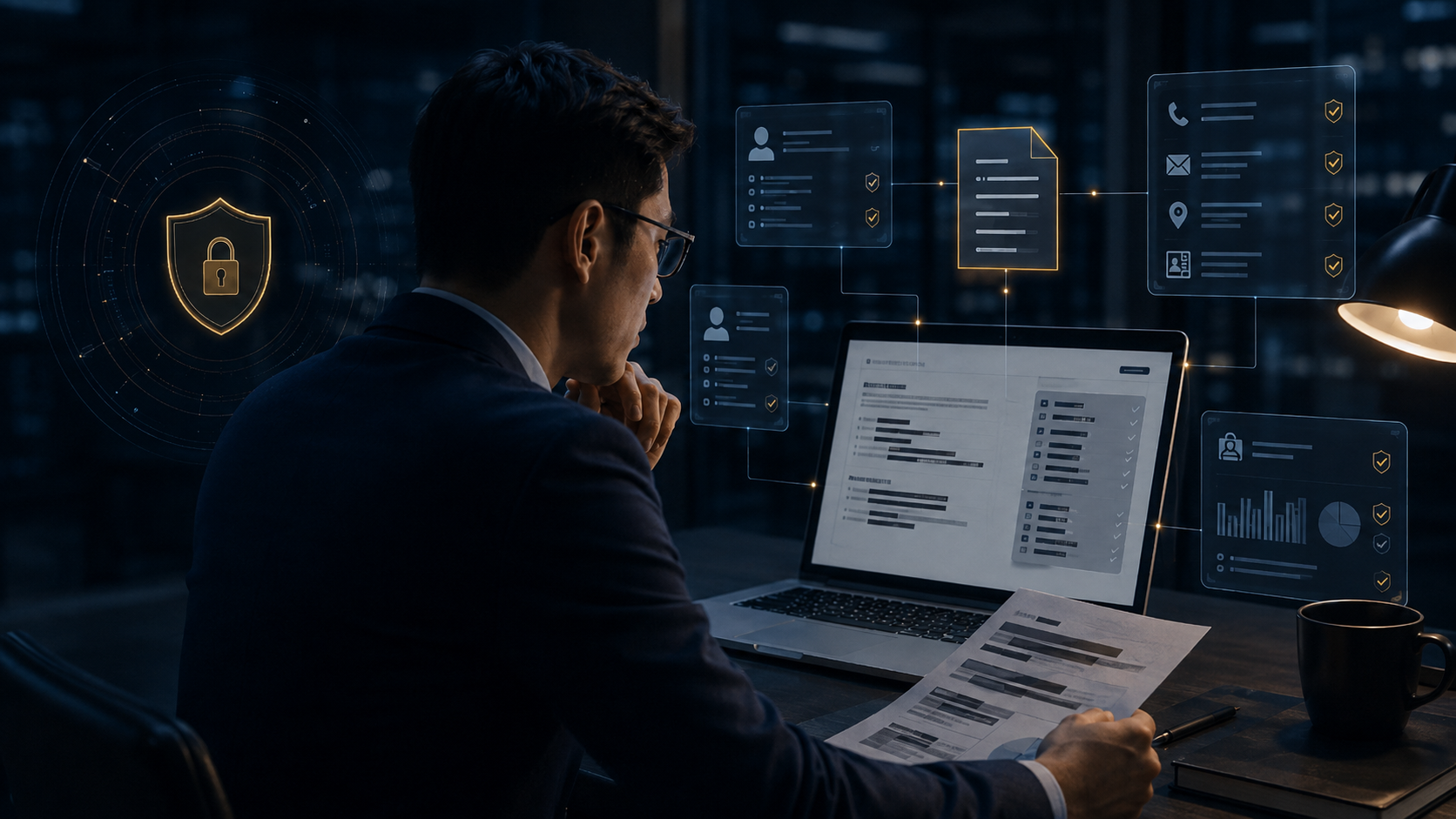
文件對外傳送前,自動辨識姓名、電話、身分證號、Email、地址等敏感個資並進行遮罩或匿名化,降低人工處理遺漏與法遵風險。

個資與敏感欄位智慧遮罩
07

個資與敏感欄位智慧遮罩

針對病歷、薪資、員工編號、供應商資料與專案識別內容進行條件式遮罩,讓文件在可用性與資訊安全之間取得平衡。

DLP 資料外洩防護
08

DLP 資料外洩防護

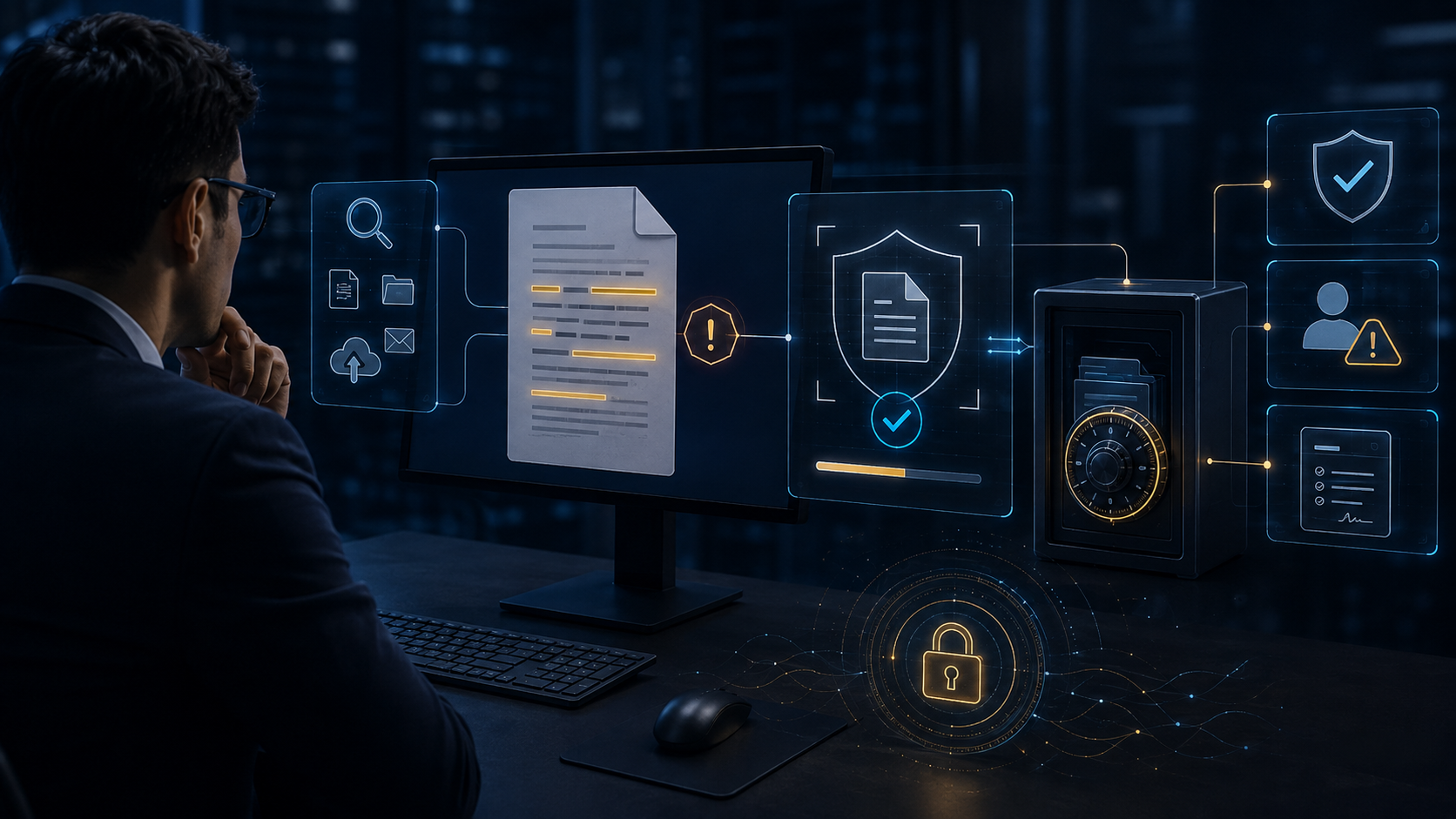
從 Email、瀏覽器、USB、即時通訊、剪貼簿與應用程式等外傳路徑進行內容判斷,依政策執行允許、警告、阻擋、隔離或通知。

DLP 關鍵字命中即時備份
09

DLP 關鍵字命中即時備份

當文件命中機密、報價單、設計圖、客戶名單或專案代號等關鍵字時,先自動建立證據副本與備份,再執行警告、阻擋或隔離。

DLP 掃描後自動加密
10

DLP 掃描後自動加密

掃描發現敏感內容後,自動將文件轉為 DVC 受控加密狀態,避免高風險文件持續以明文散落在端點、共享資料夾或外部流程中。

OCR 圖片關鍵字辨識
11

OCR 圖片關鍵字辨識

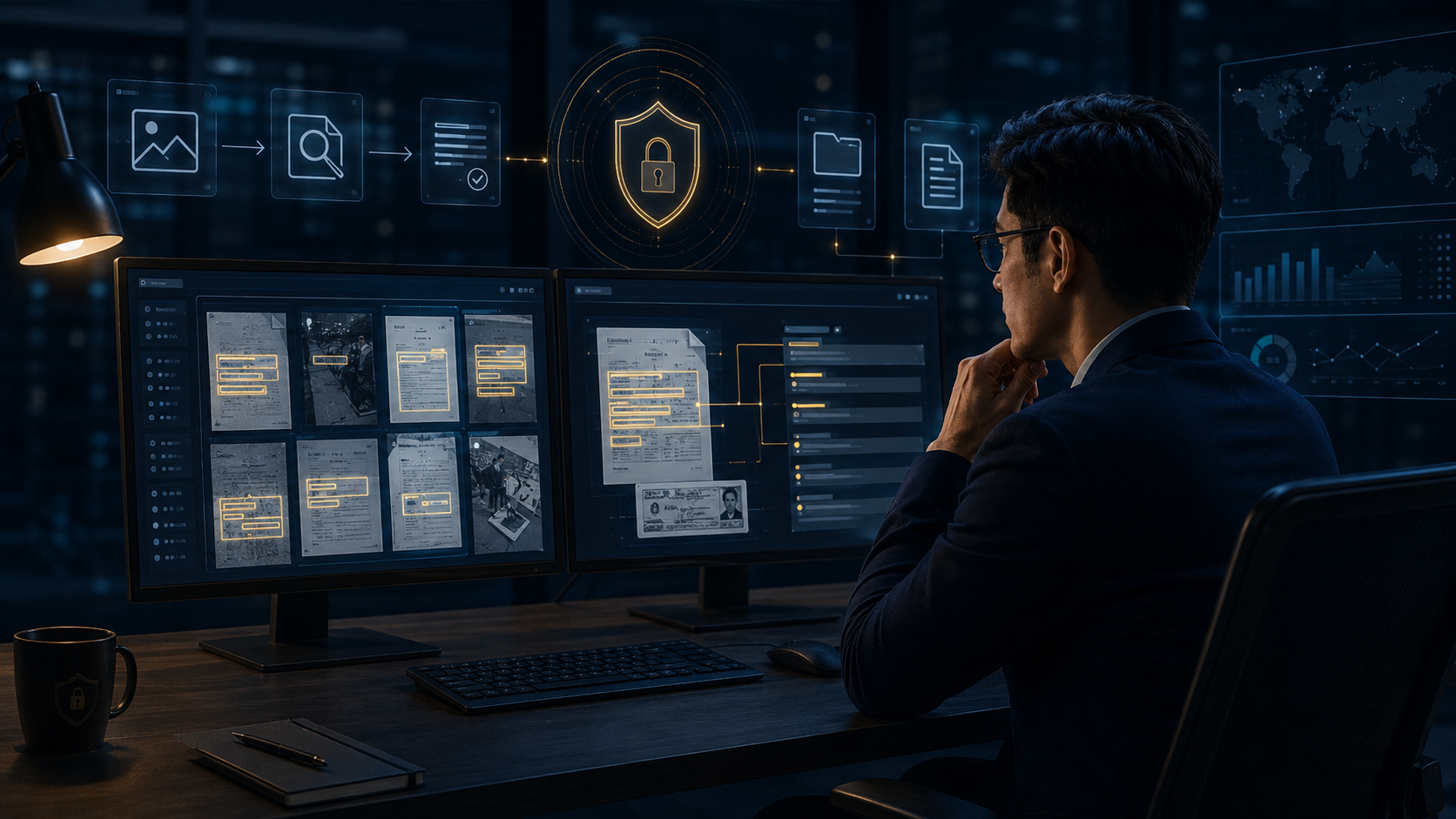
對 JPG、PNG、掃描文件、擷圖與拍照影像中的文字執行 OCR 分析,即使沒有文字層,也能辨識專案名稱、料號、客戶名稱與技術內容。

OCR 圖片外傳阻擋
12

OCR 圖片外傳阻擋

當圖片命中敏感關鍵字或辨識出高風險內容時,可直接禁止上傳、外寄或分享,避免透過截圖與影像繞過傳統文字型 DLP。

PDF 深度內容分析與阻擋
13

PDF 深度內容分析與阻擋

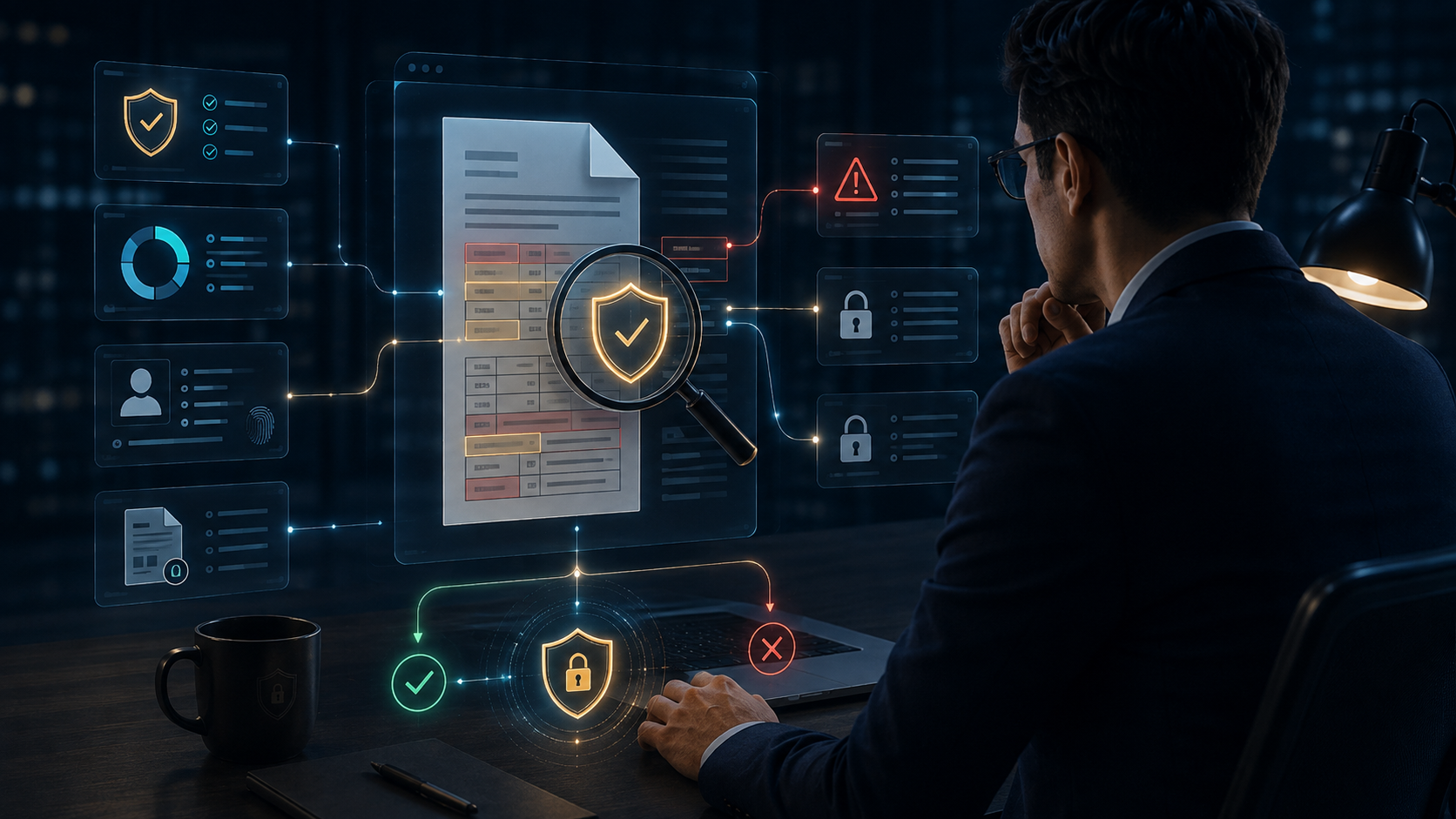
直接分析 PDF 內部文字、表格與敏感詞彙,發現機密資訊、客戶資料、報價內容或技術文件時,可立即告警或阻擋外傳。

DWG 工程圖關鍵字分析與阻擋
14

DWG 工程圖關鍵字分析與阻擋

針對 CAD / DWG 圖面中的標題、圖框、註解、料號、專案名稱、版本與製造參數進行內容判斷,保護工程設計智慧財產。

跨格式內容安全自動化處置
15

跨格式內容安全自動化處置

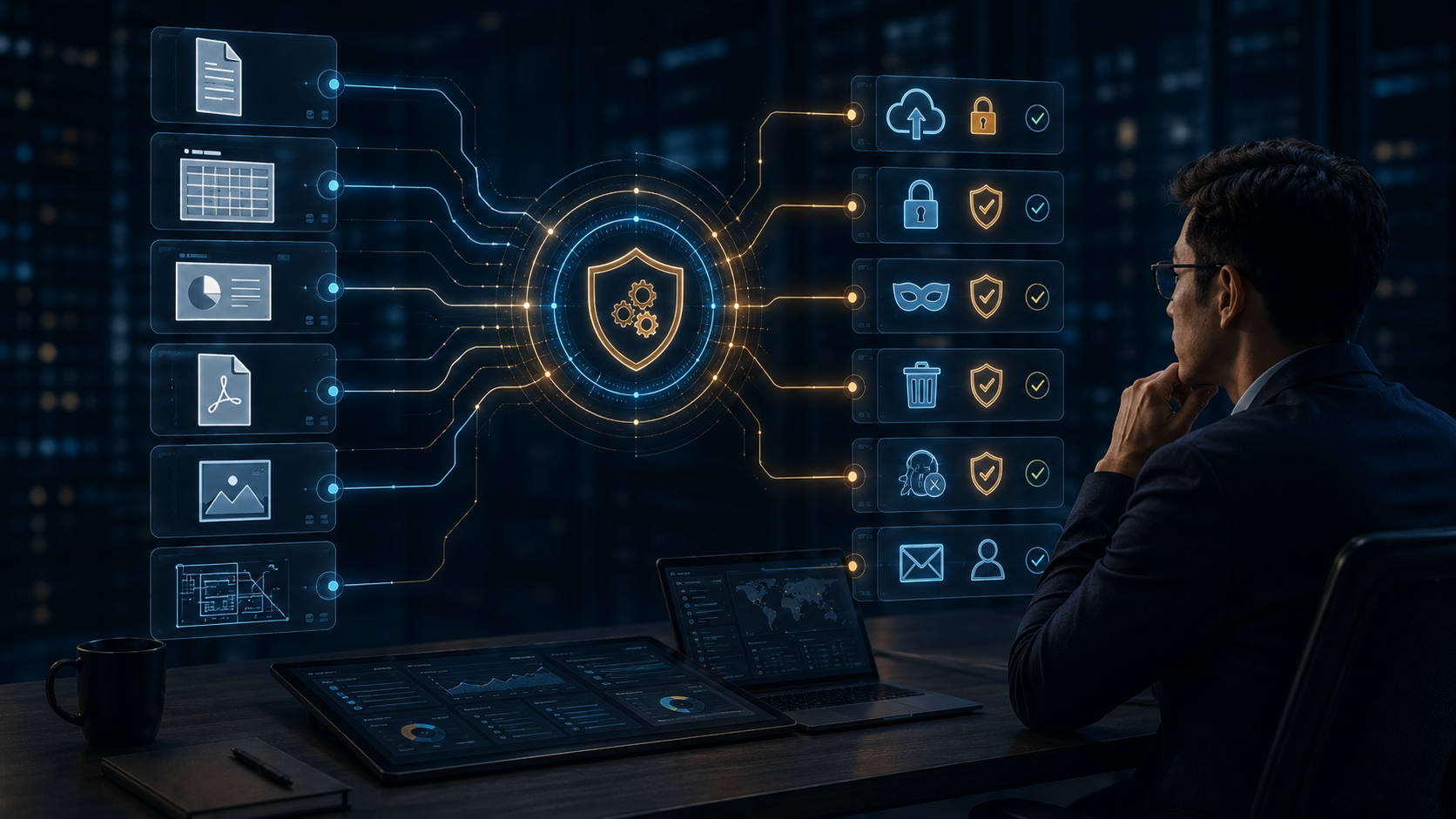
Word、Excel、PowerPoint、PDF、DWG 與圖片可套用同一套安全政策,依風險自動執行備份、加密、遮罩、阻擋、隔離、通知與稽核。

DVC · 15 PROFESSIONAL SECURITY CAPABILITIES

15 Professional Security Capabilities

One shared set of high-resolution, language-neutral scenes for both Chinese and English pages, with localized titles and descriptions rendered by the website.

Dynamic Document Watermarking
01

Dynamic Document Watermarking

Automatically overlays user, time, IP, company, device, and file information during viewing, previewing, printing, and online reading to keep every access traceable and discourage unauthorized capture or redistribution.

Automated Enterprise File Backup
02

Automated Enterprise File Backup

Protects important files with scheduled or change-triggered backups, including an initial full backup followed by incremental backups to reduce data loss from deletion, disk failure, ransomware, or human error.

Real-Time File Change Backup
03

Real-Time File Change Backup

Creates a new protected backup version immediately when designated folders or high-value files are created, modified, copied, or moved, strengthening preservation and version traceability.

Web Activity Management
04

Web Activity Management

Monitors browsing, downloads, uploads, and connection activity to identify whether enterprise data is being sent to unauthorized websites, cloud services, social platforms, or external destinations.

High-Risk Web and Cloud Upload Protection
05

High-Risk Web and Cloud Upload Protection

Evaluates uploads to AI services, cloud drives, external webmail, and file-sharing sites, allowing DVC to scan, warn, or block risky transfers before data leaves the organization.

Automated Data De-Identification
06

Automated Data De-Identification

Detects names, phone numbers, national IDs, email addresses, locations, and other personal data before external sharing, then masks or anonymizes sensitive fields automatically.

Intelligent Sensitive-Field Masking
07

Intelligent Sensitive-Field Masking

Applies conditional masking to medical, payroll, employee, supplier, and project-identifying fields so documents remain useful while exposing only the minimum necessary information.

DLP Data Loss Prevention
08

DLP Data Loss Prevention

Inspects content moving through email, browsers, USB, instant messaging, clipboard, and applications, then enforces allow, warn, block, quarantine, or notify actions based on policy.

DLP Keyword-Triggered Evidence Backup
09

DLP Keyword-Triggered Evidence Backup

When confidential terms, quotes, design drawings, customer lists, or project codes are detected, DVC can first preserve an evidence copy before warning, blocking, or quarantining the transfer.

Automatic Encryption After DLP Scan
10

Automatic Encryption After DLP Scan

When DLP identifies sensitive content, the file can be automatically converted into a DVC-controlled encrypted state so high-risk documents do not remain exposed in plaintext.

OCR Image Keyword Recognition
11

OCR Image Keyword Recognition

Analyzes text inside JPG, PNG, scans, screenshots, and photographed documents, allowing sensitive project names, part numbers, customer names, and technical data to be detected even without a text layer.

OCR-Based Image Exfiltration Blocking
12

OCR-Based Image Exfiltration Blocking

Blocks uploads, email, or sharing when OCR detects sensitive words or high-risk content inside images, preventing screenshots and scanned images from bypassing traditional text-based DLP.

Deep PDF Content Inspection and Blocking
13

Deep PDF Content Inspection and Blocking

Inspects PDF text, tables, and sensitive terms directly, allowing confidential information, customer data, pricing, and technical content to trigger immediate warnings or blocking.

DWG Engineering Drawing Inspection and Blocking
14

DWG Engineering Drawing Inspection and Blocking

Analyzes CAD / DWG titles, title blocks, annotations, part numbers, project names, revisions, and manufacturing parameters to protect engineering intellectual property.

Cross-Format Automated Security Response
15

Cross-Format Automated Security Response

Applies one security policy across Word, Excel, PowerPoint, PDF, DWG, and image files, automatically orchestrating backup, encryption, masking, blocking, quarantine, notification, and audit actions.